Instagram is literally full of edited photos nowadays. Every second reel has glowing skin, soft golden lighting, DSLR blur, Korean-style colors, neon shadows, cinematic face smoothness, and those dreamy backgrounds that honestly look unreal sometimes.
And the funny thing is… most people are using either PicsArt or Lightroom for all this.
Friends, if you scroll reels daily, you probably already noticed this trend. Boys are posting moody black edits with sharp jawline effects. Girls are making soft pink aesthetic selfies with blur background and shiny face glow. Couples are using warm cinematic tones with rain effects and song lyrics.
But then one big confusion always comes:
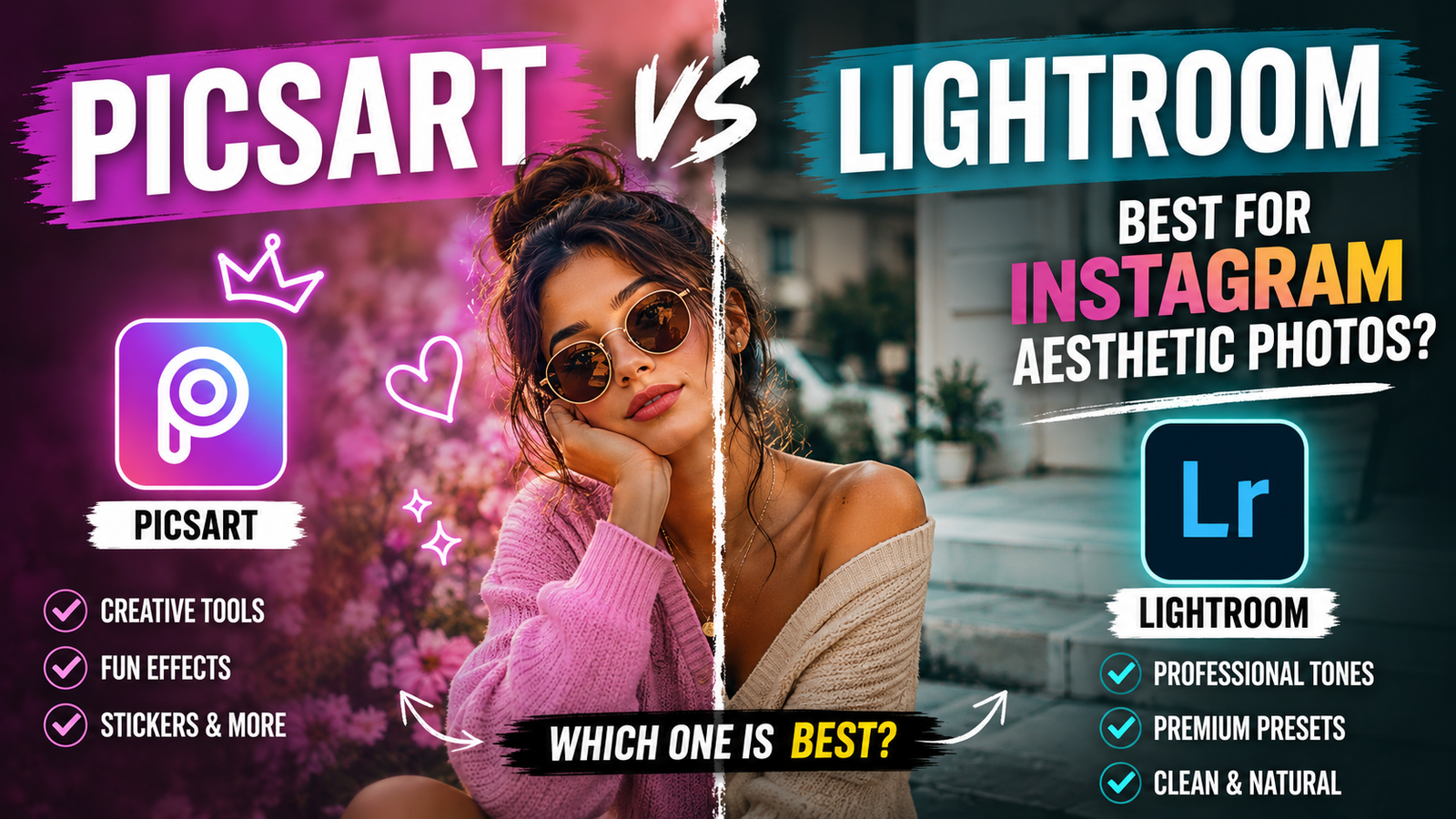
Which app is actually better? PicsArt or Lightroom?
Honestly speaking, both are popular for different reasons. Some creators cannot edit without Lightroom presets. Others do everything inside PicsArt only. And now AI editing made the competition even crazier.
So yeah… I tested both properly for normal Instagram-style editing, AI photo trends, aesthetic DPs, reels covers, and viral effects people are using nowadays.
And trust me, both apps feel VERY different once you start editing seriously.
First Thing You Notice After Opening Both Apps
Lightroom feels calm and professional.
PicsArt feels loud and fun.
That’s honestly the easiest way to explain it.
When you open Adobe Lightroom, you mostly see sliders, tones, exposure settings, shadows, colors, presets, and editing controls. It gives DSLR-type vibes.
But PicsArt throws effects everywhere. Stickers, AI filters, doodles, neon effects, anime styles, sky changing tools, face beauty, text designs… everything is in your face instantly.
One app feels like photography editing.
The other feels like Instagram creativity madness.
And honestly? That’s why people keep comparing them.
Why Lightroom Became So Popular On Instagram

A few years back, many creators started sharing Lightroom presets online. After that, Instagram editing changed completely.
Suddenly everyone wanted:
- Orange and teal cinematic tones
- Dark moody backgrounds
- Soft skin but real-looking face
- DSLR color grading
- Golden hour effect
- Matte black shadows
- Smooth sunset vibes
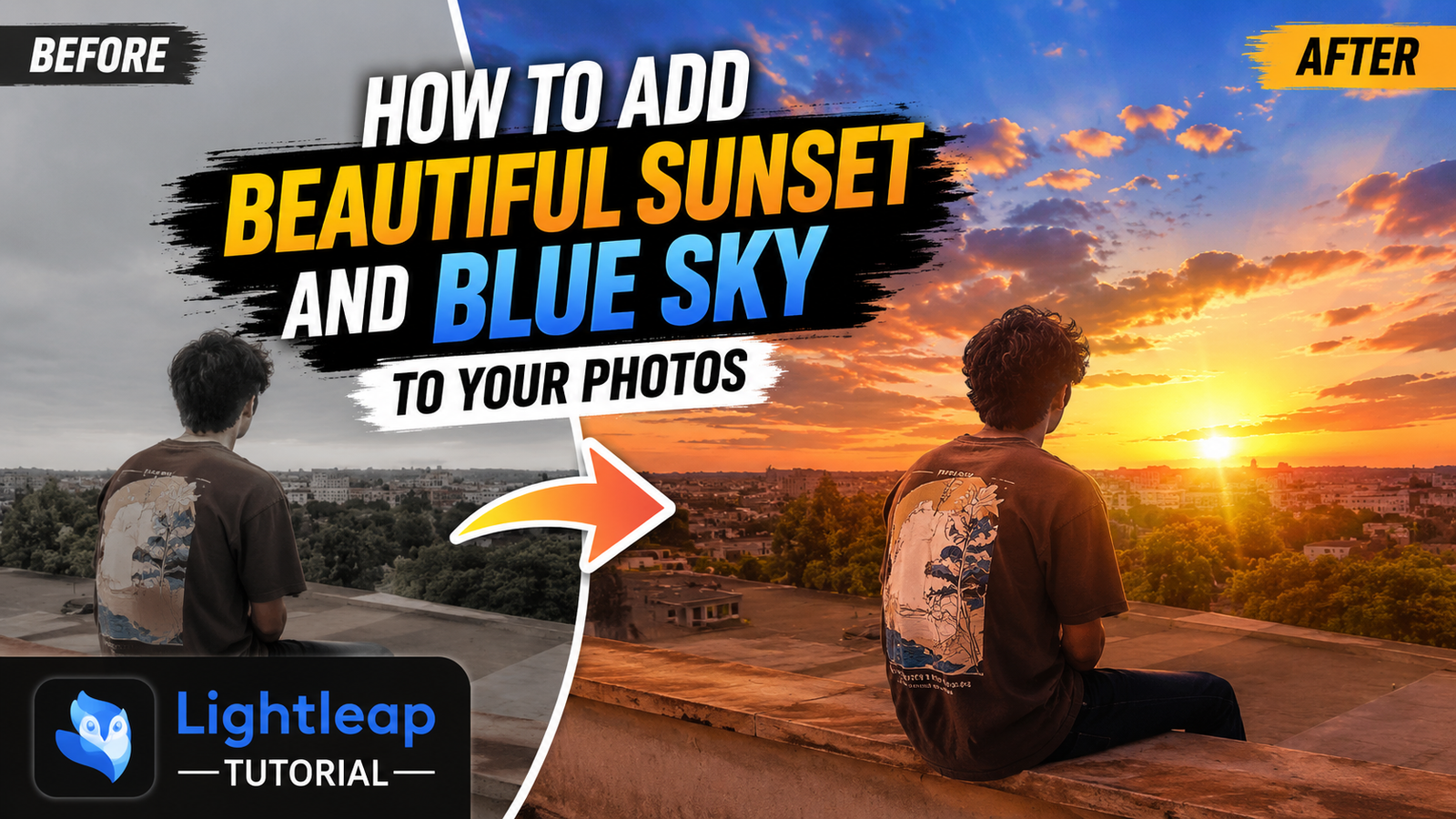
You might have noticed those “before vs after” reels where normal photos become cinematic in one click. Most of that was Lightroom preset editing.
One thing I personally noticed… Lightroom edits look more “clean.”
Not fake.
Even after heavy editing, photos still feel realistic mostly.
That’s why influencers, travel pages, bike pages, gym creators, and photography accounts still use Lightroom heavily.
Especially boys.
Many boys are obsessed with dark moody Lightroom edits right now.
Black hoodie.
Fog background.
Sharp eyes.
Desaturated colors.
Little grain effect.
Done.
Instagram DP ready.
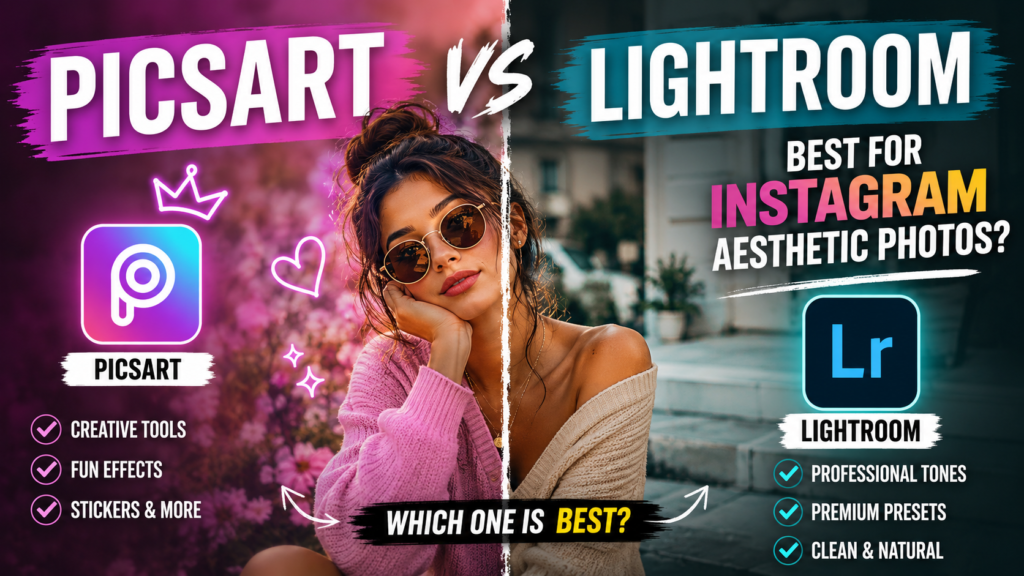
PicsArt Is Everywhere In Viral AI Trends

Now this is where things become interesting.
Because PicsArt completely exploded after AI editing trends started going viral.
Especially these styles:
- AI yearbook photos
- Cartoon face edits
- Anime selfie trend
- Neon wings effect
- Soft Korean glow
- Crying face aesthetic
- AI fantasy edits
- Couple aura effects
- Sky replacement edits
- Face cutout designs
- Reels thumbnail editing
Instagram is flooded with these.
And honestly, Lightroom cannot easily do many of these things.
PicsArt is more playful.
You can literally add butterflies, moon glow, fake rain, tattoos, fire effects, text overlays, stars, shadows, doodles, blur circles… and make a normal selfie look like a movie poster.
The app feels built for social media trends.
Especially Gen Z editing style.
Editing Selfies — Which One Looks Better?
Okay this part matters a lot because most people edit selfies only.
Here’s what happens usually.
Lightroom Selfies
Lightroom makes selfies look cleaner and premium.
Skin tones improve nicely.
Background colors become richer.
Face shape stays natural mostly.
If you know how to use exposure, highlights, shadows, and color mix properly… the result can honestly look expensive.
Like DSLR camera quality.
Especially outdoor photos.
Golden hour selfies in Lightroom look amazing sometimes.
Soft sunlight.
Warm face tone.
Orange sky.
Smooth shadow depth.
Really beautiful look.
But there’s one problem.
Beginners get confused FAST.
Too many sliders.
Too many controls.
Sometimes people ruin photos by over-editing shadows or clarity.
PicsArt Selfies
PicsArt is easier for beginners.
Way easier.
You can apply ready-made effects quickly without understanding technical editing.
Want glowing skin?
One tap.
Want anime eyes?
One tap.
Want blurred background?
One tap mostly.
That’s why many school and college students use PicsArt more. It feels fun immediately.
And honestly, the beauty tools are very addictive.
Smooth face.
Whitening.
Hair color.
Lip shade.
Eye glow.
Everything is there.
But yeah… sometimes PicsArt edits look fake if overdone.
Especially skin smoothing.
People start looking like plastic.
You probably saw those over-edited photos where faces have zero texture left. That usually happens in PicsArt.
Real Difference Nobody Talks About
Look, many comparison blogs only talk about tools and features.
But actual difference is this:
Lightroom edits photos.
PicsArt transforms photos.
That’s it.
Lightroom improves reality.
PicsArt creates a new reality.
This is why both apps survive together instead of killing each other.
Which App Is Better For Reels Covers?
As far as I have seen, PicsArt wins here easily.
Because reels covers need attention.
Big text.
Glow effect.
Bright contrast.
Dramatic face cutout.
Background graphics.
Arrows.
Emoji overlays.
PicsArt handles all this better.
Many viral reel creators literally make thumbnails using PicsArt only.
Especially AI trend pages.
Those flashy covers with:
- neon outline
- red arrows
- fake shadows
- glowing eyes
- dramatic text
Yeah, mostly PicsArt work.
Lightroom is not made for this style honestly.
The AI Editing Situation Right Now
Now AI editing changed everything again.
Nowadays many people are mixing:
- ChatGPT prompts
- Gemini image generation
- Lightroom color grading
- PicsArt effects
All together.
People generate AI-style images first, then enhance them using these apps.
For example:
Someone creates an anime-style portrait using OpenAI tools or Google Gemini image prompts.
Then they:
- use Lightroom for cinematic colors
- use PicsArt for glow effects and overlays
That combination is VERY common now.
Especially among Instagram theme pages.
My Personal Experience Using Both
Honestly speaking, I uninstall and reinstall PicsArt all the time.
Because sometimes I stop using it for weeks… then suddenly a new trend comes and I need it again.
That happens a lot.
But Lightroom stays permanently installed on my phone.
Because even normal photos look better after small Lightroom adjustments.
Especially:
- contrast
- vibrance
- warmth
- shadows
Just tiny tweaks make huge difference.
Meanwhile PicsArt feels more trend-based.
You use it when you want something flashy or viral.
For Beginners… Which One Feels Easier?
Without doubt:
PicsArt.
No competition here.
Lightroom has learning curve.
At first you’ll probably touch random sliders and make photos look weird. Many people increase clarity too much and destroy skin texture completely.
PicsArt is simpler.
Templates are ready.
Effects are ready.
AI filters are ready.
Even without editing knowledge, users can create cool-looking photos quickly.
That’s why so many reels tutorials use PicsArt.
But Professional Creators Usually Prefer Lightroom
This is true honestly.
Photographers.
Travel creators.
Bike pages.
Fashion influencers.
Most serious creators trust Lightroom more.
Because color grading quality is stronger.
Especially skin tones.
One thing I personally noticed is that Lightroom shadows look more natural. Dark areas still keep details nicely.
PicsArt sometimes crushes shadows too hard.
And Lightroom presets save LOTS of time.
You can literally apply one preset to 50 photos and keep the same Instagram aesthetic.
That consistency matters for creators.
Small Things That Become Annoying
Let me say this too because nobody talks about it properly.
PicsArt Problems
- Too many ads sometimes
- Some effects locked behind premium
- App can lag on weak phones
- AI tools fail randomly sometimes
- Over-editing temptation is huge
And yeah…
Sometimes AI effects make hands weird or eyes strange. Happens a lot actually.
Lightroom Problems
- Confusing for beginners
- Export can feel slow
- Advanced features need practice
- Some presets look different on every phone
- RAW editing may lag on older devices
Also low-quality images usually give bad results in Lightroom.
HD photos work much better mostly.
Front face images also edit more cleanly.
Can You Use Both Together?
Honestly… this is probably the smartest option.
And many creators already do this.
Example workflow:
- Edit colors in Lightroom
- Export image
- Open in PicsArt
- Add effects, glow, text, blur, overlays
- Save final Instagram post
This gives both:
- realistic color grading
- trendy social media effects
Best combination honestly.
Aesthetic Styles Where Lightroom Wins
Lightroom looks better for:
- Moody bike edits
- DSLR portrait style
- Golden hour photos
- Travel photography
- Nature aesthetic
- Dark Instagram feed
- Soft cinematic tones
- Brown vintage style
- Professional-looking selfies
Especially sunset photos.
The lighting becomes so rich sometimes.
Orange sky mixed with soft shadows… really nice look.
Styles Where PicsArt Feels More Fun
PicsArt dominates in:
- Anime edits
- AI fantasy photos
- Couple collage edits
- Neon glow effects
- Reels thumbnails
- Birthday edits
- Doodle art
- K-pop aesthetic edits
- Wings/fire/lightning effects
- Cute DP editing
Instagram girls pages use PicsArt a LOT for Korean-style face glow edits nowadays.
Soft pink colors.
White haze.
Tiny stars.
Blur circles.
Glossy skin.
Very popular currently.
What About AI Background Editing?
PicsArt wins again here.
Background replacement is easier.
You can:
- remove background
- add sky
- create fake studio vibe
- add city lights
- insert rain
- create dreamy aesthetic look
All inside one app mostly.
Lightroom is weaker for creative manipulation.
Its strength is photography editing.
Not fantasy editing.
If Your Photos Look Bad Even After Editing…
This part is important honestly.
Many people blame apps when the original photo itself is weak.
Bad lighting = bad result.
Too blurry = bad AI output.
Dark noisy selfie = editing disaster.
What happens is… editing apps improve photos, but they cannot fully save terrible pictures.
Try these instead:
- Use natural daylight
- Clean camera lens properly
- Avoid blurry front camera shots
- Take HD photos
- Keep face visible clearly
- Don’t use too much beauty filter before editing
This helps A LOT.
Quick Tips I Learned After Editing Too Many Instagram Photos
- Golden hour lighting edits best
- White clothes pop nicely in Lightroom
- Neon effects look stronger on dark backgrounds
- PicsArt stickers look cleaner when opacity is reduced
- Slight grain effect makes photos feel cinematic
- Oversharpening ruins selfies fast
- Korean-style edits usually use low contrast and soft pink tone
- Moody edits work better with cloudy weather photos
And honestly… retrying matters.
Sometimes same prompt or same effect works better after 2–3 tries only.
Especially AI tools.
So… Which One Should You Install?
Depends on your style honestly.
If you love:
- realistic editing
- cinematic colors
- DSLR vibe
- photography look
- clean Instagram feed
Go for Lightroom.
If you enjoy:
- fun edits
- AI effects
- reels thumbnails
- anime vibes
- glow aesthetics
- trendy social media looks
PicsArt will probably make you happier.
And if you seriously love Instagram editing culture…
You’ll probably end up using both anyway.
That’s what most creators do now.
Random Questions People Keep Asking
Is PicsArt better than Lightroom for beginners?
Yes mostly. PicsArt feels easier because effects are ready-made and editing is simpler.
Which app gives DSLR effect?
Lightroom usually gives more realistic DSLR-style color grading and depth.
Can PicsArt do professional editing?
To some level yes. But very professional photographers still prefer Lightroom more.
Does Lightroom have AI features too?
Yes, newer Lightroom versions include AI tools now. But PicsArt still feels more creative and trend-focused.
Which app is better for Instagram reels thumbnails?
PicsArt easily.
Why do some edits look fake?
Usually because of over-smoothing skin, too much sharpening, or extreme filters.
Can I edit AI-generated photos in these apps?
Yes. Many creators already edit ChatGPT and Gemini-generated images using Lightroom and PicsArt together.
At the end of the day, both apps became huge because Instagram editing itself changed completely.
People don’t just upload normal photos anymore.
Everyone wants:
- cinematic look
- aesthetic vibe
- viral reel feel
- soft face glow
- dreamy colors
- AI-style visuals
And honestly… these apps help people create that social media version of themselves.
Sometimes realistic.
Sometimes totally unreal.
But yeah, that’s the trend now.