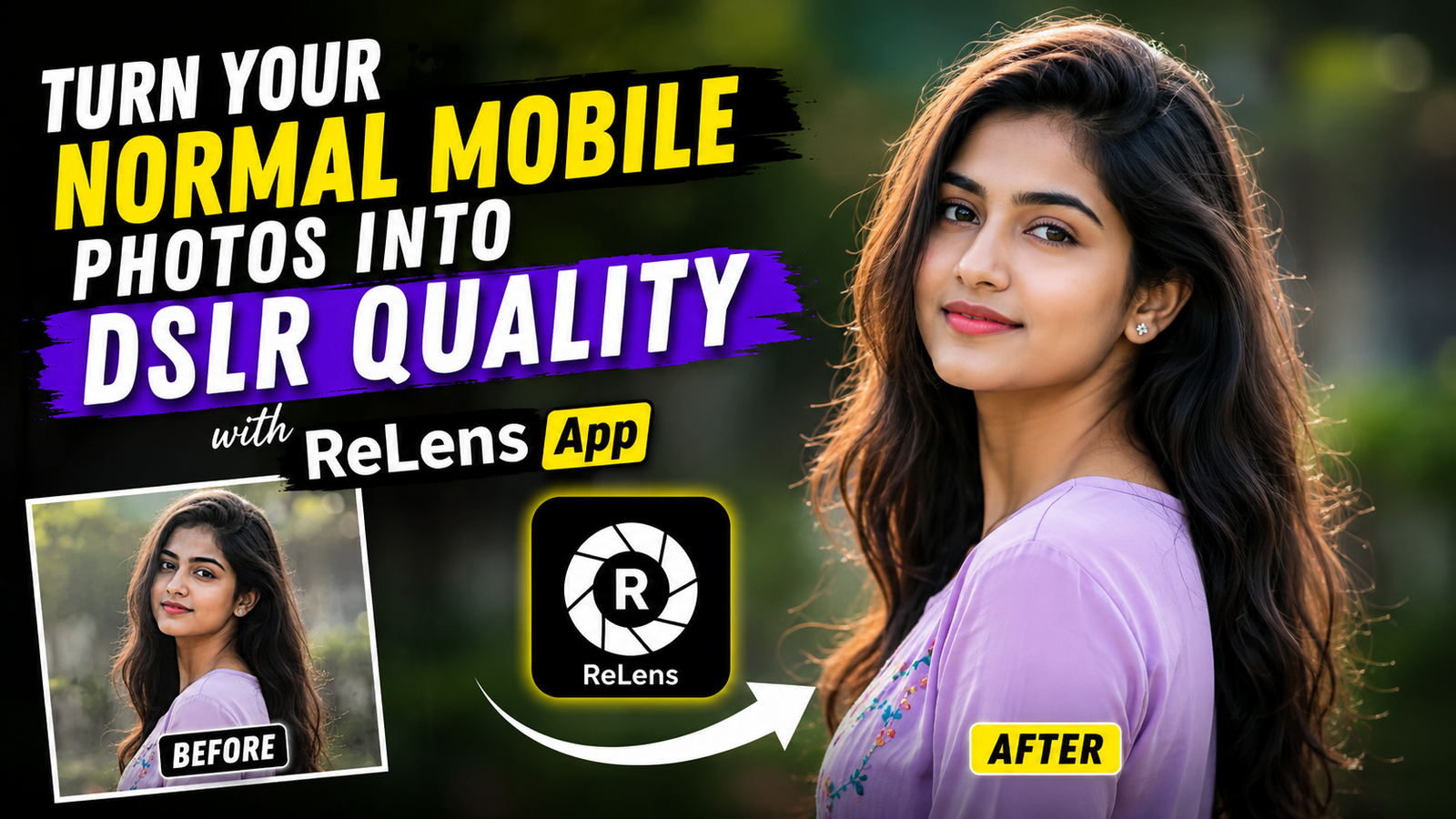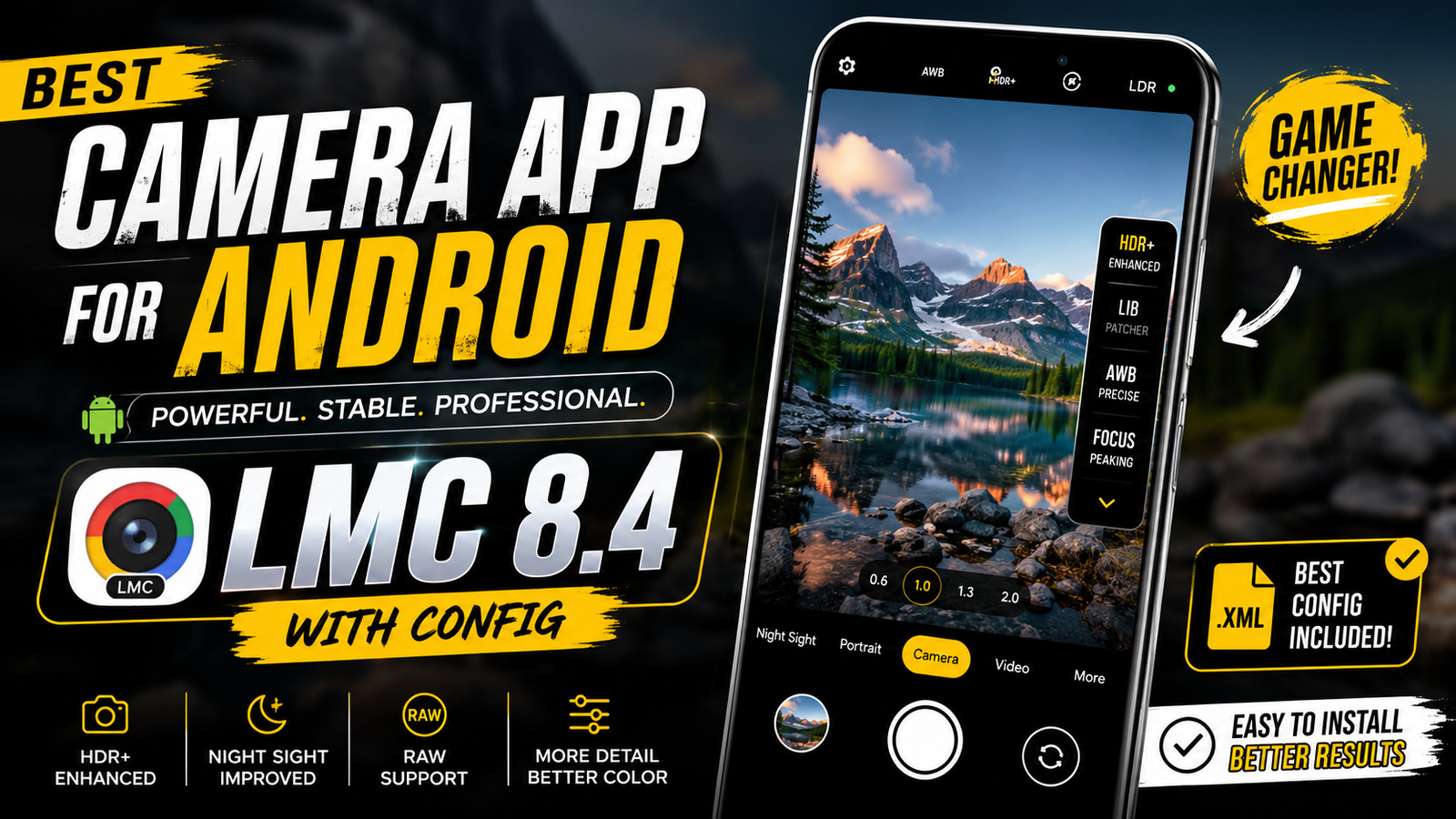
Google LMC 8.4 Config Files – Nowadays, mobile phone cameras have become very good. Even so, many people want their photos to appear as if they were taken with a DSLR camera. A normal camera app cannot always give that kind of result. That’s why many users prefer special camera apps like LMC 8.4.
With LMC 8.4, you can take better and clearer photos with improved colors and details. In this article, I will tell you what this camera app is, what config files are, and how you can use them. I will also share the best settings and some easy tips that can help you take amazing photos every time.
What is an LMC Camera?
LMC Camera is a popular camera app for Android phones. It comes with HDR+ mode, which helps make photos look brighter and more detailed. It is also great for taking photos at night because it can capture more light and improve image quality.
The app has Portrait Mode, which blurs the background and keeps the subject clear, giving a DSLR-like look. It also offers different color styles that can make your photos look more attractive.
One of the best features of LMC Camera is support for config files. These files add special camera settings and color presets that help you get better results without changing everything manually. The biggest advantage of this app is that it makes it easier to capture high-quality photos compared to the normal camera app on most smartphones.
Why is the LMC Camera So Popular Right Now?
LMC Camera is becoming very popular because it can give DSLR-like photo quality on many Android phones. Even if you have a budget or an older smartphone, this app can help you take much better photos with improved colors, details, and sharpness.
Another reason people like LMC Camera is its config file feature. By adding a config file, you can quickly apply special camera settings without doing everything manually. This makes it easy to get professional-looking results with just a few taps.
The app also lets you improve the colors of your photos and videos. Many config files come with ready-made color settings that make your content look more attractive; as a result, photos and videos often look polished and ready to share on social media platforms such as YouTube and Instagram.
What Is a Config File?
Many people talk about config files, but what are they actually? A config file is a small XML file that contains ready-made camera settings. Instead of changing many camera options yourself, you can simply load a config file and use the settings that are already set up.
Config files can also improve colors, brightness, contrast, and overall image quality. If you want a specific look for your photos or videos, you only need to load the config file and start shooting. The app will apply those settings automatically and give your photos the style you selected.
How to Use Google LMC 8.4 Config Files?
Using a config file in LMC 8.4 is very easy.
- Download the config file.
- Open the LMC folder on your phone.
- Paste the config file into the Configs folder.
- Open the LMC Camera app.
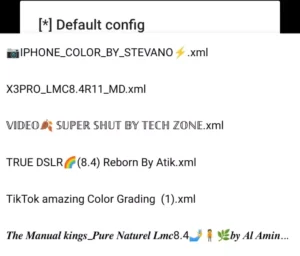
- Double-tap on the empty area near the shutter button.
- A list of available config files will appear.
- Select the config file you want to use.
- Tap Load.
That’s it. Your camera is now ready with the new settings. Simply take a photo and compare the result with a normal camera shot. You will often notice better colors, improved details, and a more professional look.
Conclusion
LMC 8.4 is a powerful camera app for Android users who want better photo quality. With the right config file and settings, you can capture beautiful photos with improved colors, sharpness, and details. If you enjoy mobile photography, LMC 8.4 is definitely worth trying.