Friends, have you seen TikTok profiles with a stylish background banner behind the profile picture and username? This type of profile customization can make your account look more attractive and professional. If you also want to add a banner to your TikTok profile, follow this simple step-by-step guide.
TikTok may show a profile background or banner option to selected accounts. However, this feature is not available to everyone, so the steps can be different depending on your account and app version.
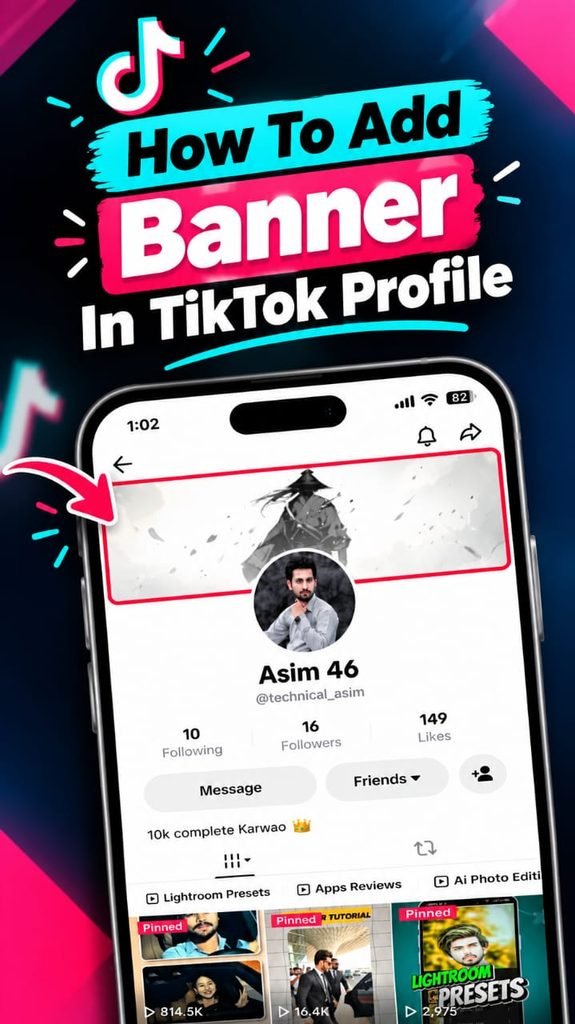
What Is a TikTok Profile Banner?
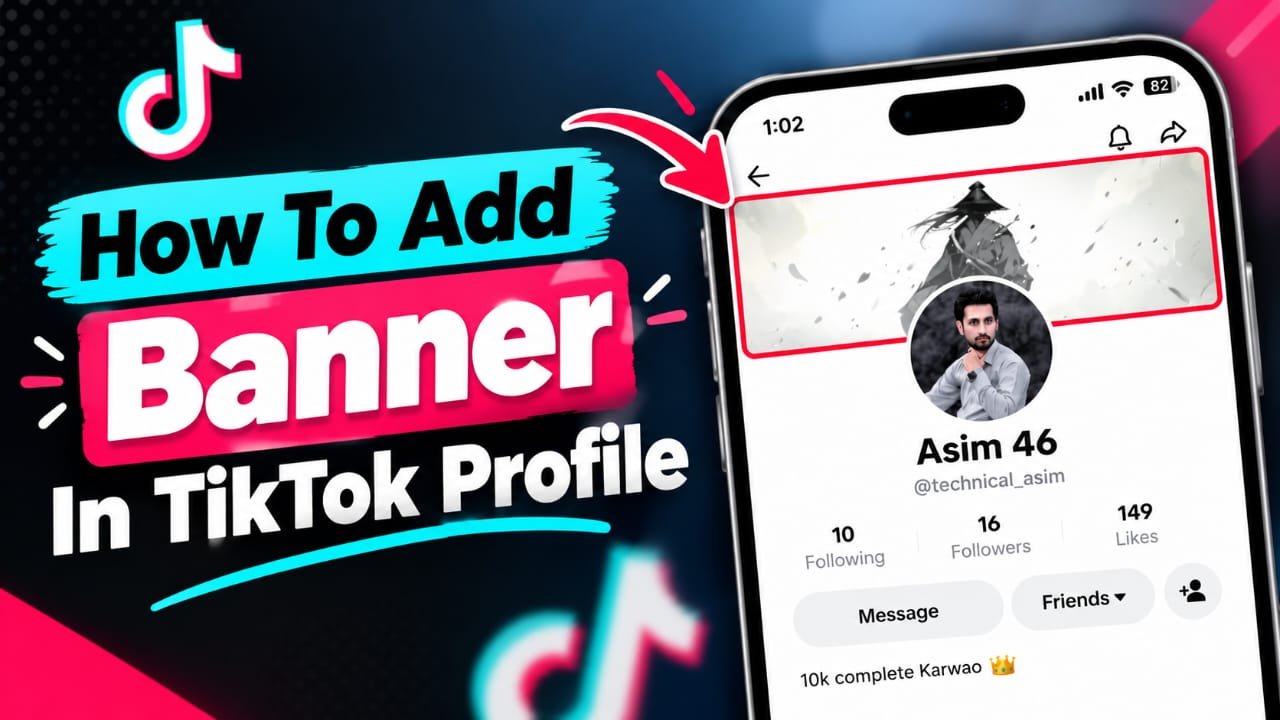
A TikTok profile banner is a wide background image displayed behind your profile information. Creators can use this space to show their personal branding, favourite photos, or a design that matches their content.
A good banner can help your profile look more organized and give visitors a better first impression.
How To Add Banner On TikTok Profile
Follow these steps to check whether you can add a banner to your TikTok account.
Step 1: Update TikTok
First, open the Google Play Store or Apple App Store and check whether a TikTok update is available. Update the app and open it again.
Step 2: Open Your TikTok Profile
Launch TikTok on your mobile phone and tap the Profile option in the bottom-right corner.
Step 3: Tap Edit Profile
On your profile page, tap Edit profile and look for an option named Change background, Add background, or Banner. The exact wording may vary.
Step 4: Choose Your Banner Image
If the option appears, tap it and select an image from your phone gallery. Choose a clear, high-quality picture that matches your personality or content style.
Step 5: Adjust and Save
Adjust the image using the available cropping options. Keep important details near the centre so they are less likely to be hidden by profile information. Tap Save or confirm the changes if prompted.
Step 6: Check Your Profile
Return to your profile page and check how the banner looks. If necessary, reopen the editing option and adjust the image.
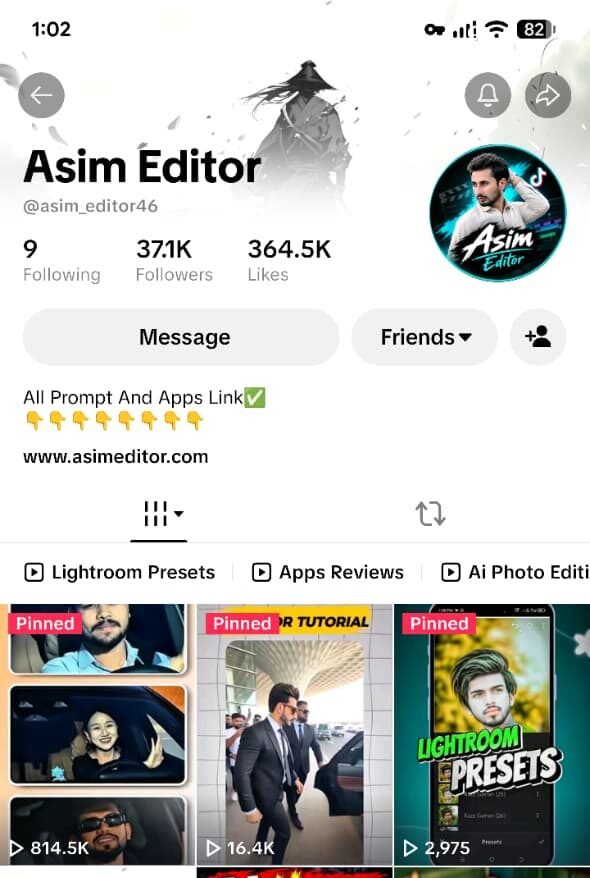
What If the TikTok Banner Option Is Missing?
Don’t worry if you cannot find the banner setting. The feature may not be enabled for your account yet. Keep TikTok updated and check again later. Avoid downloading unofficial modified TikTok apps that claim to unlock hidden features.
As an alternative, you can pin your best videos to the top of your profile to make it look more organized. This is a workaround, not the same as adding a background banner.
Final Words
Adding a banner can give your TikTok profile a fresh, personalized appearance. Follow the steps above if the feature is available on your account. If it is not showing yet, you can still improve your profile with a professional profile picture, a clear bio, and pinned videos.