Honestly speaking, PicsArt suddenly started appearing everywhere again recently. I kept seeing people use it in AI editing tutorials, YouTube Shorts, Telegram editing groups, and aesthetic DP pages. One weird thing I noticed is that beginners trust PicsArt more than professional apps because it feels simple and fun instead of technical and confusing.
Nowadays many creators just want fast edits for social media. They do not want to spend hours learning complicated tools. That is probably why PicsArt still stays relevant even after so many new AI apps arrived.
Google searches are full of this currently because users want easy editing apps for glow effects, cinematic photos, blurred DSLR backgrounds, and trendy social media edits. Especially students and mobile creators are using PicsArt heavily now for Instagram posts, WhatsApp DPs, YouTube thumbnails, and AI-style portrait editing.
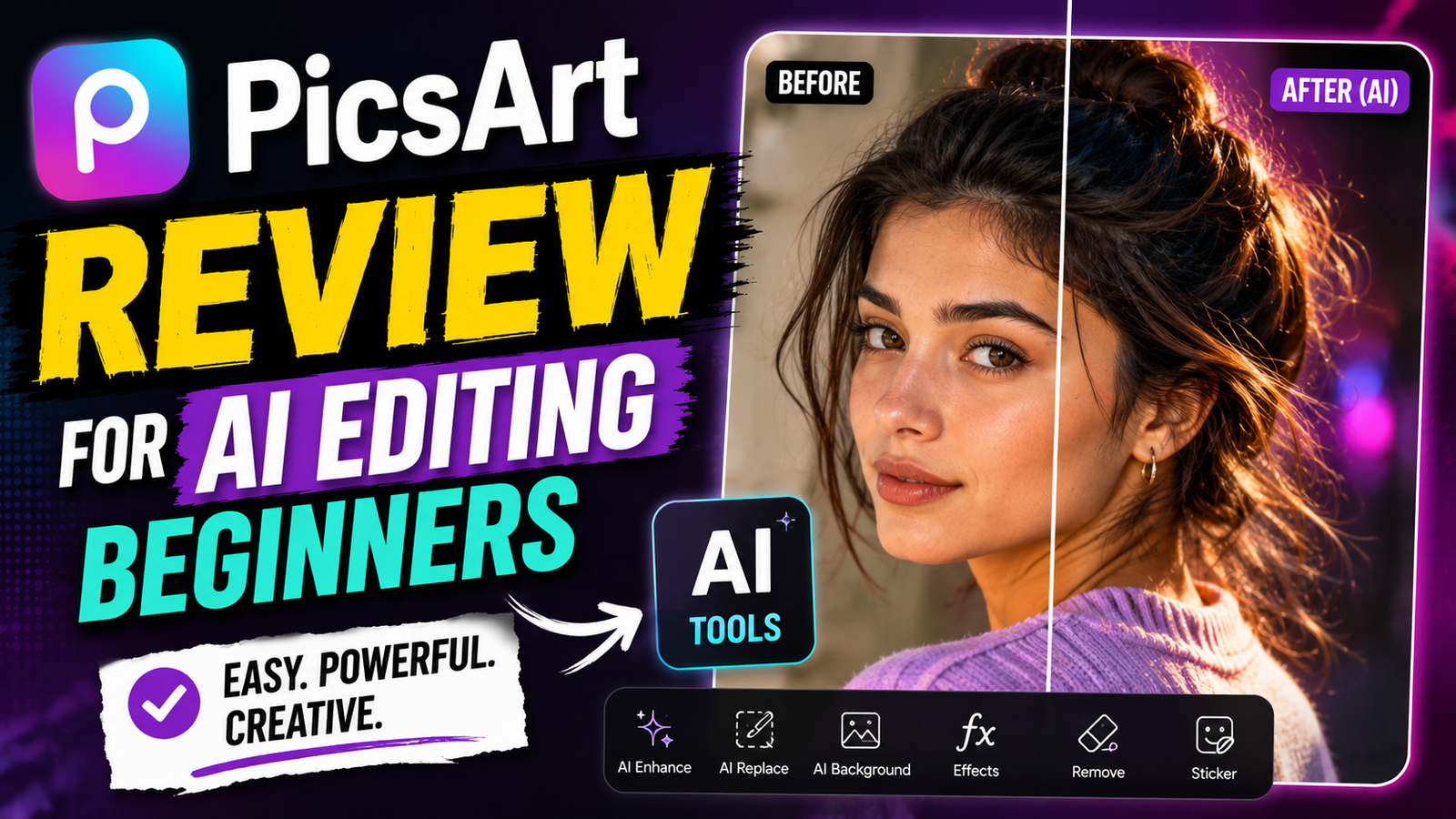
The funny thing is, many people first install PicsArt only for basic filters, but later they start using AI cutouts, background removers, stickers, overlays, and even image generation tools inside the app.
What Is PicsArt AI Editing App
PicsArt is basically an all-in-one mobile editing app where users can edit photos, create graphics, apply AI effects, and make social media content easily.
Most people use it for:
- AI photo editing
- Background removal
- DP editing
- YouTube thumbnails
- Glow effects
- Blur effects
- Collages
- Reels cover photos
- Neon aesthetic editing
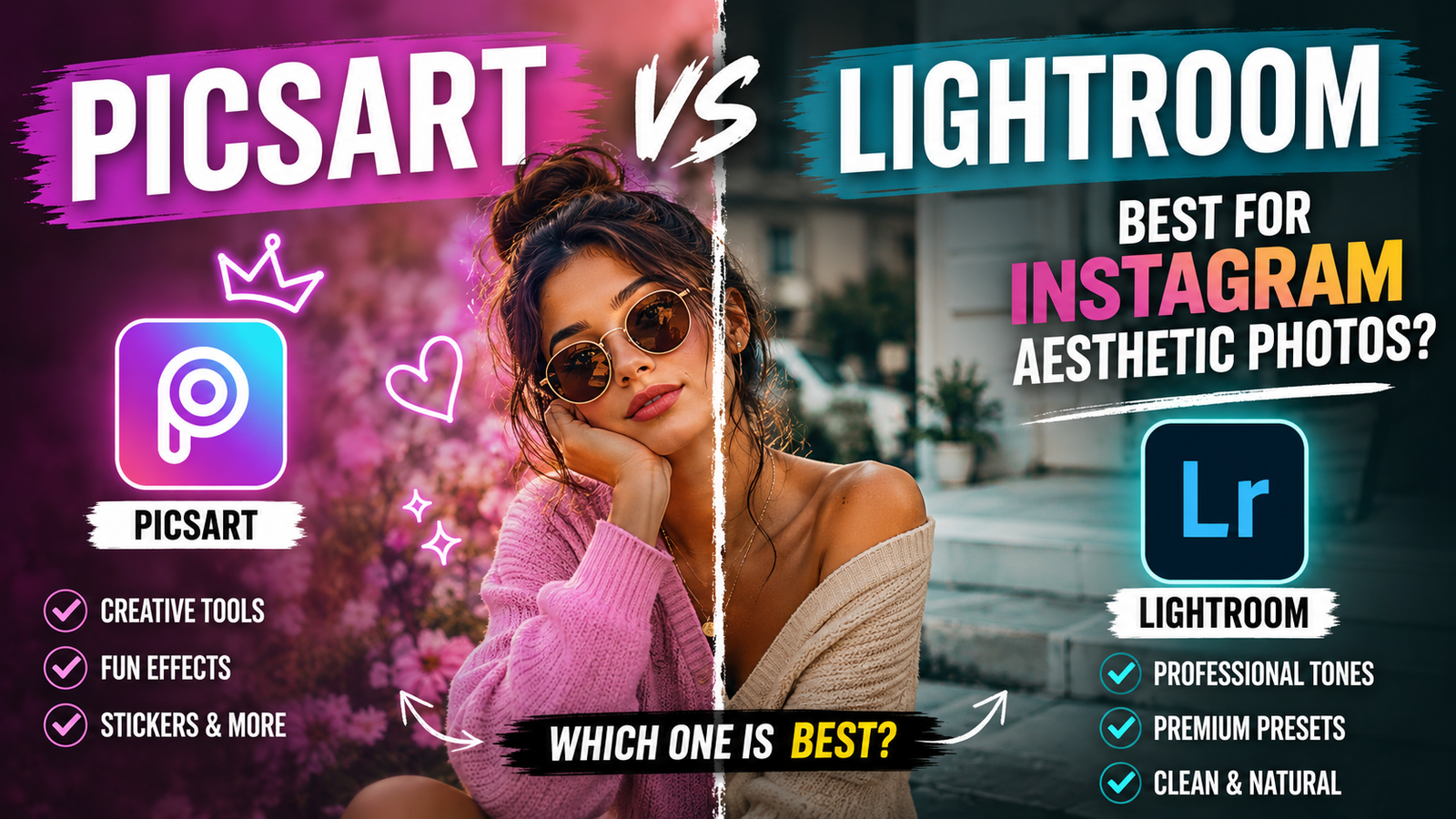
One thing I personally noticed is that PicsArt works best for quick creative edits. It may not feel ultra-professional like Lightroom, but honestly it feels more fun for normal users.
Many creators are using PicsArt nowadays to create:
- Korean-style aesthetic photos
- Moody neon edits
- Soft skin glow portraits
- Cinematic profile pictures
- Dark shadow edits
- Anime-inspired effects
And look, the app keeps adding AI tools regularly, so people stay interested.
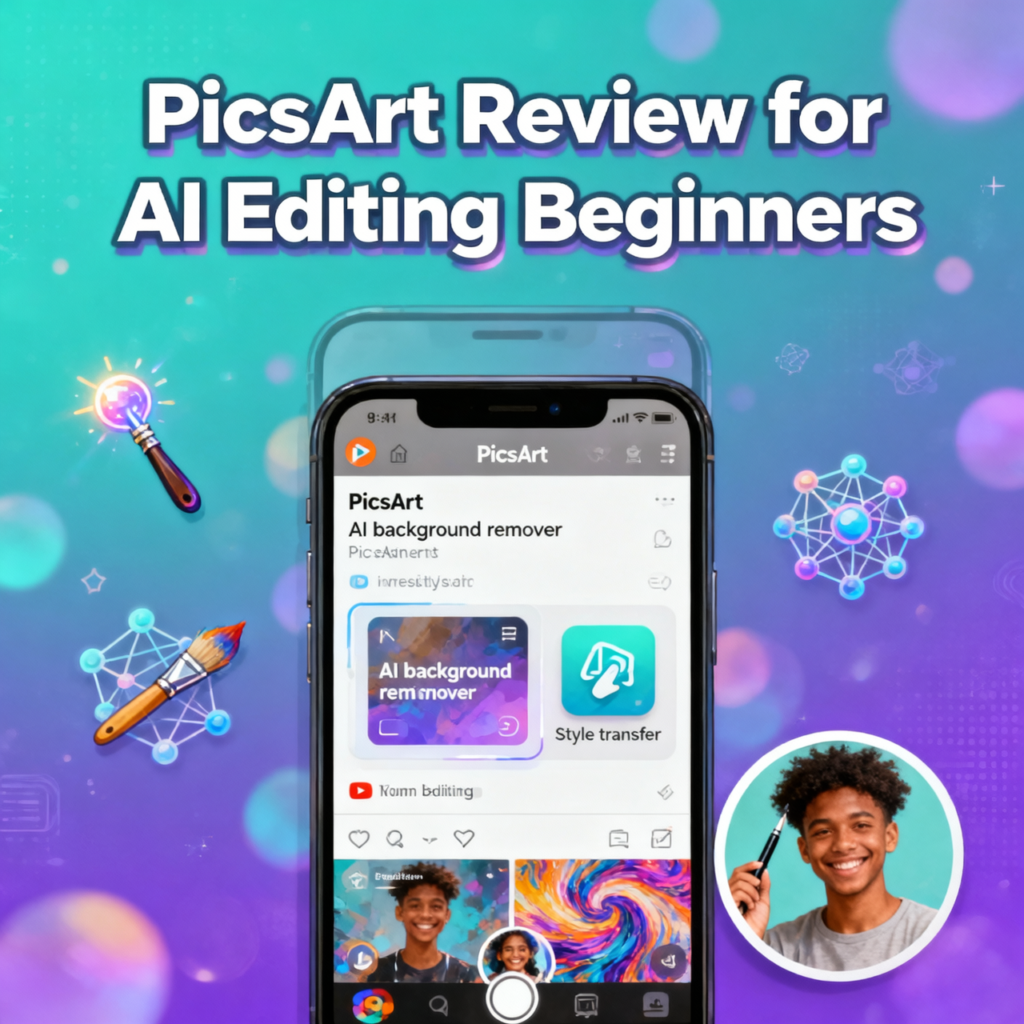
Why PicsArt Is Trending Again Among Mobile Creators
As far as I have seen, the biggest reason is simplicity.
Most mobile users do not want heavy editing software anymore. They want something fast where they can upload a selfie, apply effects, adjust colors, and post directly online.
That is exactly where PicsArt performs well.
YouTube Shorts culture also helped the app a lot. Many viral editing tutorials now use PicsArt because:
- The interface looks simple
- Editing is mobile-friendly
- AI tools are easy to access
- Templates save time
Honestly, beginner editors get excited when they see dramatic before-and-after edits online. PicsArt gives that feeling quickly without requiring professional editing skills.
Another thing is aesthetic culture. Soft skin glow, cinematic lighting, blurry backgrounds, neon overlays, golden hour tones, all these styles are very popular now. PicsArt already has ready-made effects for these looks.
People are literally using these edits everywhere now:
- Instagram stories
- WhatsApp DPs
- Facebook posts
- Gaming thumbnails
- AI profile pictures
Pros and Cons of PicsArt AI Editing
Pros of PicsArt Editing Features
One thing I genuinely like is how beginner-friendly the app feels. Even if somebody never edited before, they can still understand the tools quickly.
Good things about PicsArt:
- Easy interface
- AI background remover works nicely
- Huge filter collection
- Creative stickers and overlays
- Fast editing process
- Beginner-friendly tools
- Great for aesthetic edits
- Mobile editing feels smooth mostly
The cinematic mood effects honestly look very attractive sometimes. Especially neon glow filters and blurred DSLR backgrounds.
Another thing I noticed personally is that the app is fun. That matters more than people realize.
Cons of PicsArt Editing App
But honestly, not everything feels perfect.
Some problems users face:
- Too many ads in free version
- Premium tools locked
- AI effects sometimes fail randomly
- Export quality drops occasionally
- Older phones may lag
- Heavy editing causes heating
Sometimes, AI cutouts also remove hair strangely. I noticed this many times while testing portrait edits.
And look, low-end phones may struggle badly if many effects are added together.
How To Edit Photos Using PicsArt AI Tools
First upload a clear photo. Front-face selfies work better mostly because AI tools recognize faces more accurately.
Then:
- Remove background if needed
- Add blur effects carefully
- Apply glow filters
- Adjust brightness and shadows
- Use cinematic overlays
- Add neon effects if desired
- Export in HD quality
One weird thing I noticed is that low-quality photos usually fail badly after heavy editing. Clear images give much better results.
Many users combine PicsArt with apps like Lightroom Mobile for extra color grading. That combination honestly looks very professional sometimes.
Good internet also helps AI tools load faster.
Sometimes templates stop working suddenly too. Retrying usually fixes it.
Final Words On PicsArt Review
Honestly speaking, PicsArt still feels one of the easiest creative editing apps for beginners in 2026. It may not replace professional software completely, but that is not really the point.
People want quick stylish edits now. They want aesthetic DPs, glow portraits, cinematic selfies, and trendy social media posts without learning complicated editing.
And honestly, PicsArt understands modern internet culture very well.
That is why even after so many AI editing apps arrived, PicsArt still keeps trending online again and again.
FAQs About PicsArt Review
Is PicsArt good for beginners?
Yes honestly, that is probably its biggest strength.
Can PicsArt create AI images?
Yes, newer AI tools are available now.
Why does PicsArt lag sometimes?
Heavy effects and older phones usually cause that.
Is PicsArt free in 2026?
Mostly yes, but many advanced tools require premium.
Does PicsArt reduce photo quality?
Sometimes after heavy compression or wrong export settings.