
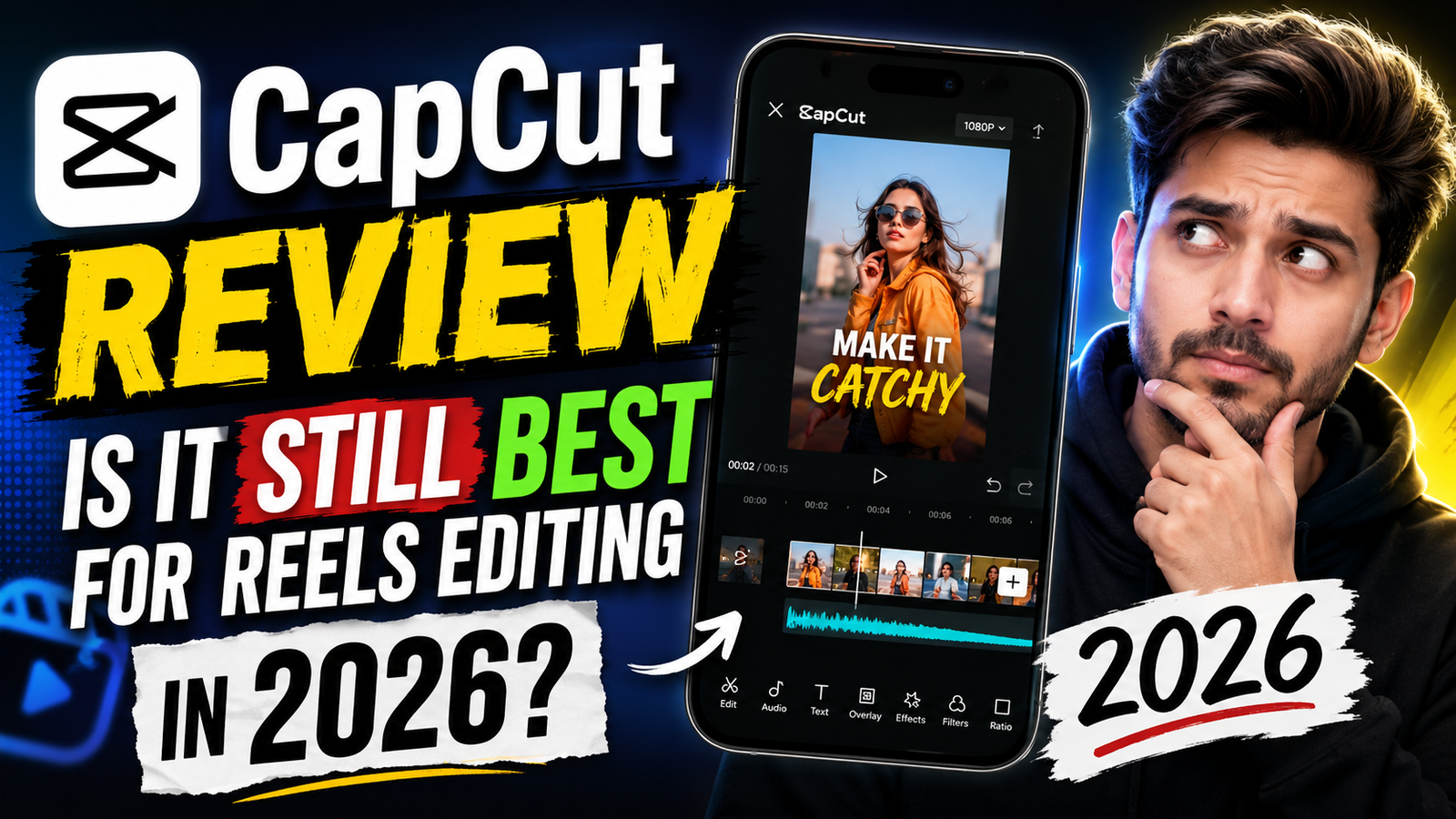
Honestly speaking, I keep seeing CapCut edits literally everywhere now. You open YouTube Shorts, Instagram Reels, or even random Telegram editing groups, and somehow CapCut templates are still dominating. One weird thing I noticed recently is that even small creators with basic phones are making cinematic edits now. That soft skin glow, smooth transitions, slow zoom effects, all of it.
Google trends are full of this currently because many people are asking the same thing now — is CapCut still worth using in 2026 or are newer apps replacing it?
Look, after using it for weeks again recently, I feel CapCut is still holding its position pretty strongly. But things changed too. The app feels heavier now, and sometimes those AI tools behave strangely.
What Is CapCut Video Editing App
CapCut is basically a mobile video editing app made mainly for short-form content creators. Most people use it for:
- Instagram Reels
- YouTube Shorts
- TikTok-style edits
- Cinematic mobile videos
- AI face effects
- Trending templates
The funny thing is, many creators don’t even edit manually anymore. They just select a trending template, upload clips, and CapCut automatically adds transitions, beats, zoom effects, and color grading.
Nowadays mobile editors are obsessed with those dreamy cinematic looks. CapCut helps a lot with that because it already has:
- DSLR blur effects
- Korean-style filters
- Neon glow transitions
- Moody cinematic shadows
- Auto captions
- AI background remover
And honestly, some edits genuinely look expensive after export.
Why CapCut Is Still Trending in 2026
As far as I have seen, people still prefer CapCut because it feels easy even for beginners. Apps like Adobe Premiere Rush or professional desktop software can feel confusing for normal users.
CapCut works fast on mobile. That matters a lot.
Another reason is creator culture. Reels trends change almost daily now. CapCut templates instantly copy those viral styles. If some slow-motion trend becomes popular today, templates appear within hours.
I also noticed many YouTube Shorts creators use CapCut because:
- Export quality looks clean
- Auto beat sync saves time
- Trending effects arrive quickly
- AI subtitles work surprisingly well
But honestly, not everything feels perfect anymore. Some premium features are increasing slowly, and older phones heat badly during export.
Pros and Cons of CapCut Editing in 2026
Pros
- Very beginner friendly
- Huge template library
- Smooth cinematic transitions
- AI tools save editing time
- Good for Shorts and Reels
- HD exports look sharp
- Mobile editing feels simple
CapCut’s cinematic mood filters honestly look really nice at night. Especially those golden lighting presets and soft shadow effects.
Cons
- Some AI tools fail randomly
- Watermark issues in certain templates
- Low-end phones may lag badly
- Battery drain happens during long exports
- Internet required for many cloud effects
- Premium subscription pressure increased
One weird thing I noticed personally is that some trending templates suddenly disappear. Many users complain about this online too.
How To Edit Reels Using CapCut in 2026
First, upload clear HD clips. Blurry videos usually look bad after export, especially when using cinematic filters.
Then choose a project ratio for Reels or Shorts. Most creators use 9:16 vertical format now.
After that:
- Add clips
- Apply transitions
- Use beat sync if needed
- Add AI captions
- Apply glow or cinematic filters
- Export in HD
People are literally using slow zoom effects everywhere now. CapCut handles those nicely.
Sometimes AI effects fail randomly though. Retrying helps mostly.
And look, good internet helps cloud features work faster. Otherwise templates can load forever.
Final Words
After testing it again recently, I still think CapCut is one of the strongest mobile editing apps for short videos. It feels modern, fast, and creator-friendly.
Sure, some premium issues and lag problems exist now. But still, many creators switched to CapCut recently because editing trends move very fast online, and CapCut adapts quickly.
Honestly, if your goal is making aesthetic Reels, cinematic Shorts, or trendy edits without learning complicated software, CapCut still does the job pretty well in 2026.
FAQs
Is CapCut free in 2026?
Yes mostly, but many advanced tools became premium now.
Does CapCut reduce video quality?
Not really if you export in high bitrate settings.
Why does CapCut lag sometimes?
Usually because of heavy effects or low RAM phones.
Can beginners use CapCut easily?
Yes honestly, that’s why it became so popular.


Not download
💔💔💔