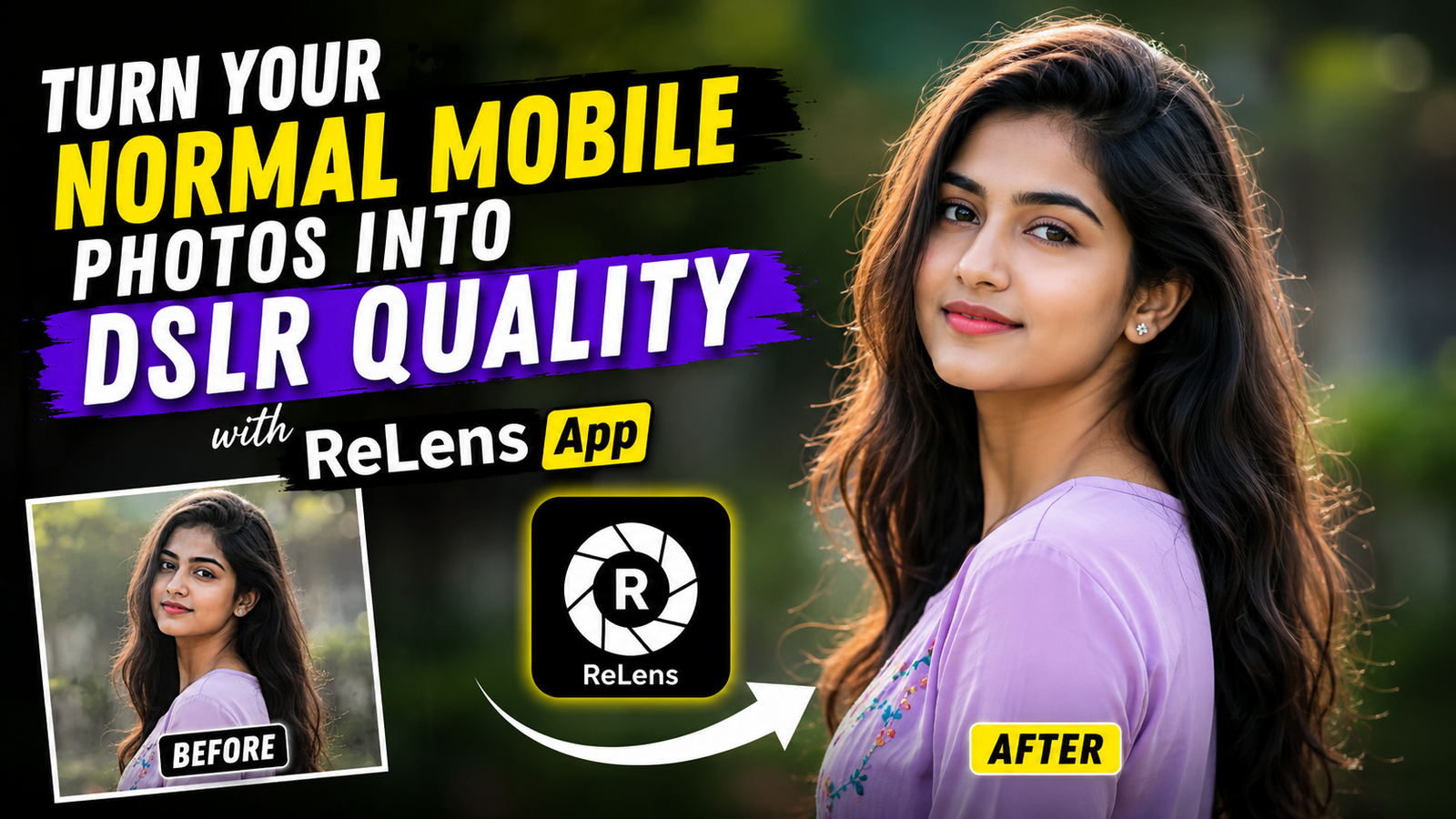
Most people love taking photos from their phones. After all, our smartphones are always in our pockets. But there is one small problem. Sometimes mobile photos look flat and ordinary, especially when compared to DSLR camera shots.
I have seen that many people spend a lot of money buying expensive cameras just because they want that beautiful blurry background effect. The good news is that now you can get a very similar look directly from your phone.
One app that has become quite popular for this is the ReLens App.
If you have never tried it before, you might be surprised by what it can do.
ReLens App

ReLens is a photo editing app designed mainly for creating DSLR-style depth effects. In simple words, it can blur the background of your photo while keeping the subject clear and sharp.
The result looks much more professional than a normal mobile photo.
Many people use it for:
- Portrait photos
- Instagram pictures
- Profile photos
- Travel photography
- Fashion shots
- Social media content
What I personally like is that the app gives good control without feeling too complicated.
Why People Like DSLR Photos

A DSLR camera creates a natural background blur called Bokeh Effect. This makes the subject stand out and gives photos a premium look.
The problem is that not every phone can create this effect properly.
Sometimes portrait mode on phones misses hair details or blurs parts of the face. It happens quite often.
ReLens tries to fix that by using AI-based depth mapping to create a cleaner blur effect.
Sometimes it doesn’t work perfectly, and that’s okay. Even DSLR cameras don’t make every photo perfect.
How to Turn Mobile Photos into DSLR Quality
The process is actually very simple.
Step 1: Install ReLens App
Download and install the ReLens App from your app store.
Once installed, open the app and allow photo access.
Step 2: Import Your Photo
Choose a photo from your gallery.
Portrait photos usually give the best results because the app can easily identify the subject.
Step 3: Apply Depth Blur

The app automatically detects the subject.
Now adjust the blur amount according to your preference.
Don’t make the blur too strong. Many people try this but the photo starts looking fake.
A moderate blur usually looks much more natural.
Step 4: Adjust Lighting
ReLens also provides lighting controls.
You can increase:
- Brightness
- Contrast
- Highlights
- Shadows
Small adjustments often give better results than extreme edits.
Step 5: Fine-Tune the Subject

Zoom in and check the edges around hair and shoulders.
If needed, manually correct the mask.
This small step can make a huge difference.
Step 6: Save in High Quality
Once you’re happy with the edit, export the image in high resolution.
Now your normal mobile photo looks much closer to a DSLR-style image.
Best Features of ReLens App

Realistic Background Blur
This is the main reason most people install ReLens.
The blur effect looks smooth and natural when used correctly.
AI Subject Detection
The app can automatically separate the person from the background.
This saves a lot of editing time.
Lens Effects

You can try different lens styles to create unique looks.
Some effects resemble expensive camera lenses.
Easy Interface
Even beginners can learn it within a few minutes.
You don’t need professional editing skills.
Tips for Better DSLR-Style Photos
Here are a few practical tips that actually help.
Use Good Lighting
No app can completely fix a dark and blurry photo.
Try taking pictures in natural daylight whenever possible.
Keep Background Simple
A clean background makes the blur effect look much better.
Don’t Over Edit
This is probably the biggest mistake.
Too much blur, too much contrast, or too much sharpening can ruin the image.
Use High-Quality Original Photos
The better your original photo, the better the final result.
Editing cannot fully repair a poor-quality image.
Is ReLens App Worth Using?
For most users, yes.
If you create content for Instagram, Facebook, YouTube thumbnails, or personal photography, ReLens can be very useful.
It won’t magically replace a professional DSLR camera, but it can definitely help your photos look more polished and attractive.
I have noticed that many casual users are surprised by the results, especially when editing portrait shots.
For a simple mobile app, it does a pretty good job.
FAQs
1. Is ReLens App free?
Yes, the app offers free features. Some advanced tools may require a premium subscription.
2. Can ReLens make every photo look like a DSLR photo?
Not every photo. Results depend on lighting, photo quality, and subject separation. Portrait photos usually work best.
3. Is ReLens App good for beginners?
Yes. The interface is simple and easy to understand, even for someone who has never edited photos before.
So if you have been looking for a simple way to improve your mobile photos, ReLens is definitely worth trying. Spend a few minutes experimenting with the blur and lighting settings, and you might be surprised by how professional your photos start looking.