Friends, if you use Instagram daily then you probably already noticed one thing. Nowadays many people are uploading super clear photos that almost look like DSLR camera shots. Even old blurry selfies are suddenly looking ultra HD with soft skin, sharp eyes, cinematic background blur, and that expensive Korean-style glow.
Honestly speaking, a few months back I thought these edits were done using heavy PC software. But then I started seeing creators on Reels talking about Remini Pro. The funny thing is… even random low-quality photos started looking crazy detailed after editing there.
Instagram is literally full of these enhanced images right now. Boys are using it for attitude DPs, girls are making soft aesthetic portraits, and couples are turning simple selfies into cinematic-looking pictures with golden lighting and smooth face details.
One thing I personally noticed is that people don’t even care much about phone camera quality now. Even average Android photos are getting upgraded into sharp 8K-style images using AI tools. That’s why this trend became massive so quickly.
What Is Remini Pro AI Photo Quality Enhancement
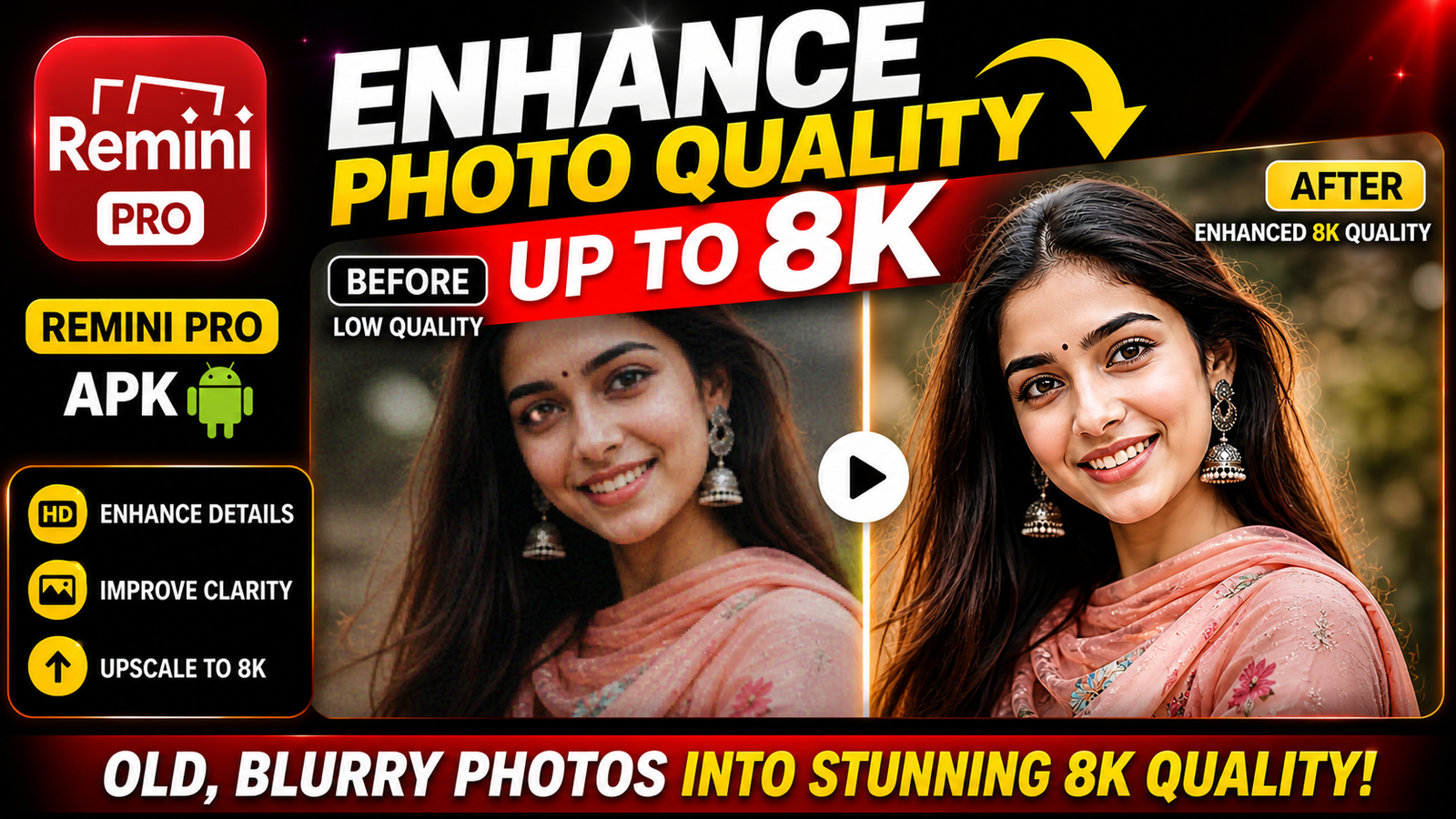
Look, Remini Pro is basically an AI photo enhancement app. It uses artificial intelligence to improve blurry, low-quality, old, or damaged images and makes them look more detailed and cleaner.
As far as I have seen, most users use it for:
- Instagram profile pictures
- Viral reels thumbnails
- Couple edits
- Anime-style portraits
- Fashion photography look
- DSLR effect photos
- Old childhood photo restoration
The app mainly focuses on face enhancement. That’s why selfies usually come out much better. Skin texture becomes smooth but still realistic. Eyes look sharper. Hair details become clearer. Background blur also gets improved sometimes.
Many creators combine Remini with Gemini or ChatGPT-generated AI backgrounds too. Like they first create an aesthetic AI scene, then enhance the final image in Remini Pro for that polished social media vibe.
And honestly, some outputs look almost unreal. Especially photos with neon lighting, moody shadows, mirror reflections, or golden hour effects.
Why Remini Pro 8K Photos Are Going Viral On Instagram
You might have noticed how social media trends change very fast. Earlier people were obsessed with cartoon filters, then cinematic presets, then AI yearbook edits. Now ultra HD face enhancement is everywhere.
The reason is simple.
People love clean-looking photos.
When a blurry image suddenly becomes sharp with DSLR depth effect and smooth lighting, it instantly grabs attention on Reels and Explore pages. Even simple mirror selfies start looking premium.
Another thing is the “real face effect.” Many AI editing apps change the face too much. But Remini mostly keeps the original look while improving quality. That’s why creators trust it more for personal photos.
Also, nowadays many users are mixing:
- AI-generated backgrounds
- Soft glow effects
- Korean color tones
- Street photography vibes
- Dark shadow aesthetics
- Cinematic blue-orange lighting
After enhancing them in Remini Pro, the photos start looking almost like professional camera shots.
The funny thing is… even meme pages and random editing pages are using these enhanced images for engagement because sharp visuals perform better mostly.
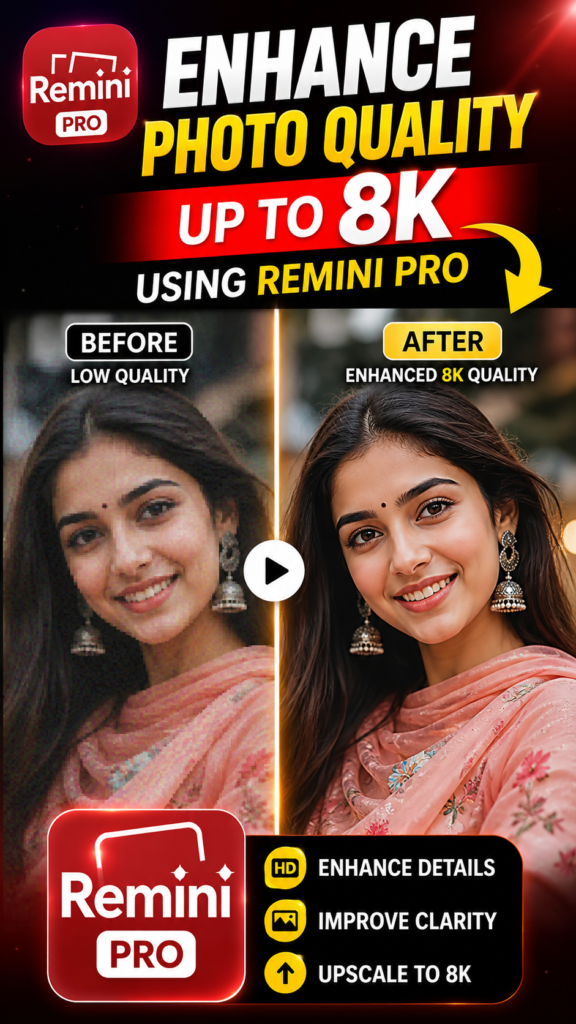
How To Enhance Photo Quality Up To 8K Using Remini Pro
First of all, try to use a decent photo. It does not need to be DSLR quality, but very low-resolution screenshots usually give bad results.
Front face photos work better mostly. Side face photos sometimes confuse the AI little bit.
Open the Remini Pro app and upload your image. After that, the AI automatically scans the face and starts enhancement processing. Sometimes it takes a few seconds depending on internet speed.
Many people also use Gemini or ChatGPT before this step. They generate stylish AI backgrounds or cinematic concepts first, then enhance the final output in Remini.
One thing I personally noticed is that photos with natural lighting improve much better than dark noisy photos. Golden hour selfies especially look amazing after enhancement.
After processing, you will see:
- Sharper face details
- Better skin texture
- Cleaner eyes and lips
- Improved lighting balance
- More depth in background
- HD hair details
If you want that Instagram aesthetic vibe, you can additionally use:
- Soft blur backgrounds
- Moody color filters
- Neon shadow overlays
- Slight grain effect
- Warm cinematic tones
Sometimes AI makes hands weird or over-sharpens facial texture. So don’t blindly save the first result every time. Retry outputs 2–3 times if needed.
Also, screenshot tricks help sometimes. Many users take screenshots of AI-generated images and then enhance them again in Remini for more realistic texture.
And yes, internet connection matters too. Slow processing can occasionally reduce output quality.
Final Words
As far as I have seen, AI photo enhancement is becoming normal now. People want their photos to look cleaner, sharper, and more cinematic without learning difficult editing software.
That’s exactly why Remini Pro became so popular.
Whether it is boys creating stylish black-tone DPs, girls making soft Korean aesthetic portraits, or couples posting dreamy cinematic edits — everyone is trying these HD AI enhancements right now.
And honestly speaking, when the lighting, face details, and background all look balanced together, the final image feels really eye-catching on Instagram.
Just remember one thing. Good input photos matter a lot. Low-quality images usually give mixed results. But with proper lighting and a little retry patience, Remini can create some seriously impressive edits.
FAQs
Is Remini Pro free to use?
Kind of. Basic features are free, but most HD and 8K enhancement options need Pro access.
Does Remini really make photos 8K?
It improves quality using AI and makes photos look ultra HD. Actual results depend on the original image too.
Which photos work best in Remini?
Clear front-face selfies with decent lighting usually work best.
Why do some photos look fake after enhancement?
Sometimes the AI over-processes skin or sharpness. Retrying with another photo helps mostly.
Can I use Remini photos on Instagram Reels?
Yes, many creators already use them for reels covers, thumbnails, and aesthetic DPs.
Does Remini fix old blurry photos too?
Yes, and honestly this is one of the best things about it. Old family photos can look surprisingly clear.