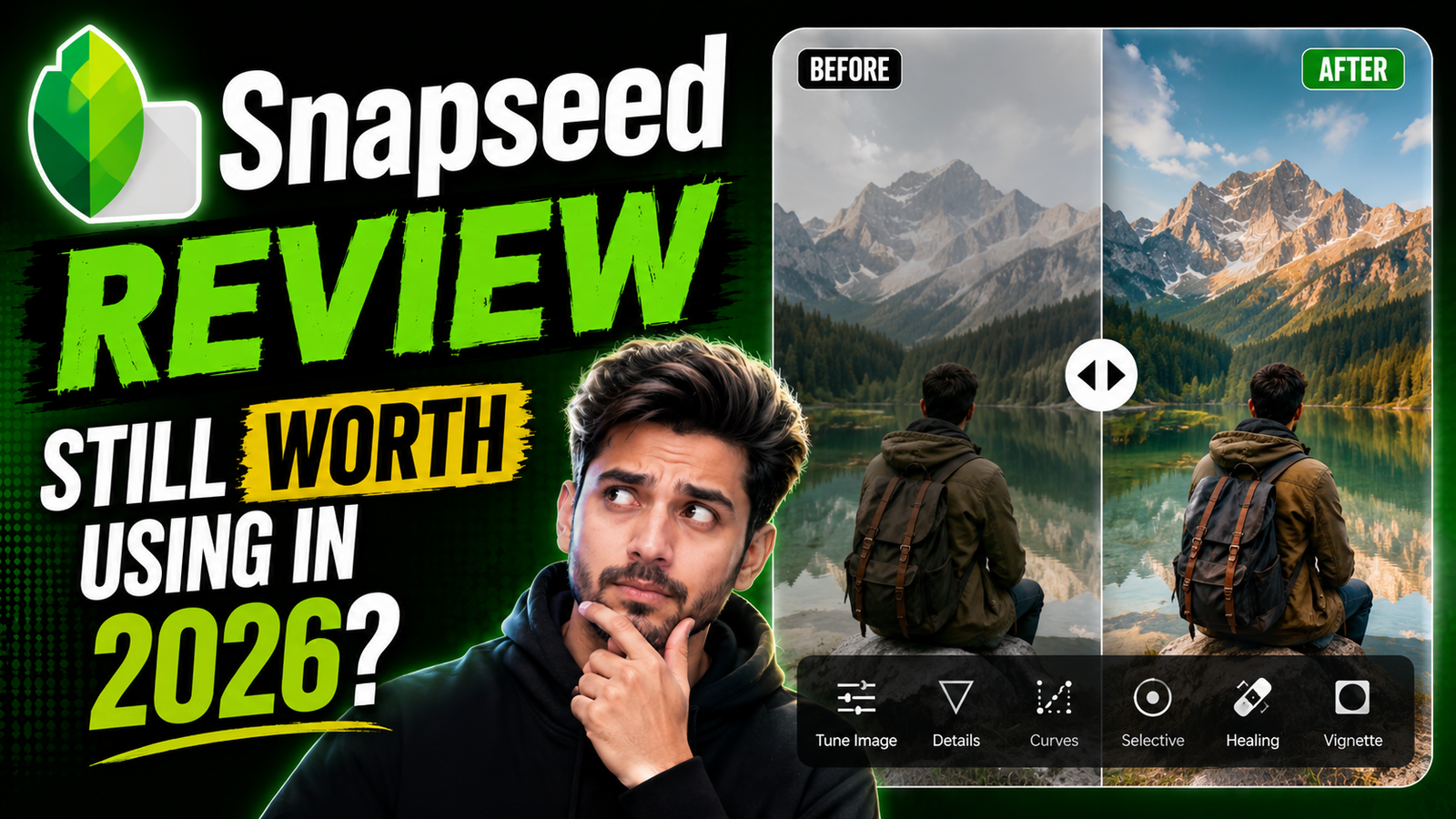
Honestly, I did not expect Snapseed to survive this long.
Nowadays every week some new AI editing app becomes viral online. But somehow Snapseed still keeps getting recommended in creator discussions and editing groups.
One weird thing I noticed personally is that many experienced editors still trust Snapseed more than flashy AI apps.
Google searches are full of this currently because users want free editing apps without subscriptions, ads everywhere, or forced premium upgrades.
And honestly speaking, that simple clean feeling still makes Snapseed different.
What Is Snapseed Photo Editing App
Snapseed is a free photo editing app made by Google mainly focused on natural editing.
Most people use it for:
- Portrait editing
- Selective adjustments
- HDR effects
- Skin retouching
- Cinematic edits
- Color correction
- Aesthetic photography
The funny thing is, Snapseed looks simple at first, but many tools inside are surprisingly powerful.
Unlike some AI apps that over-edit faces, Snapseed usually keeps photos realistic.
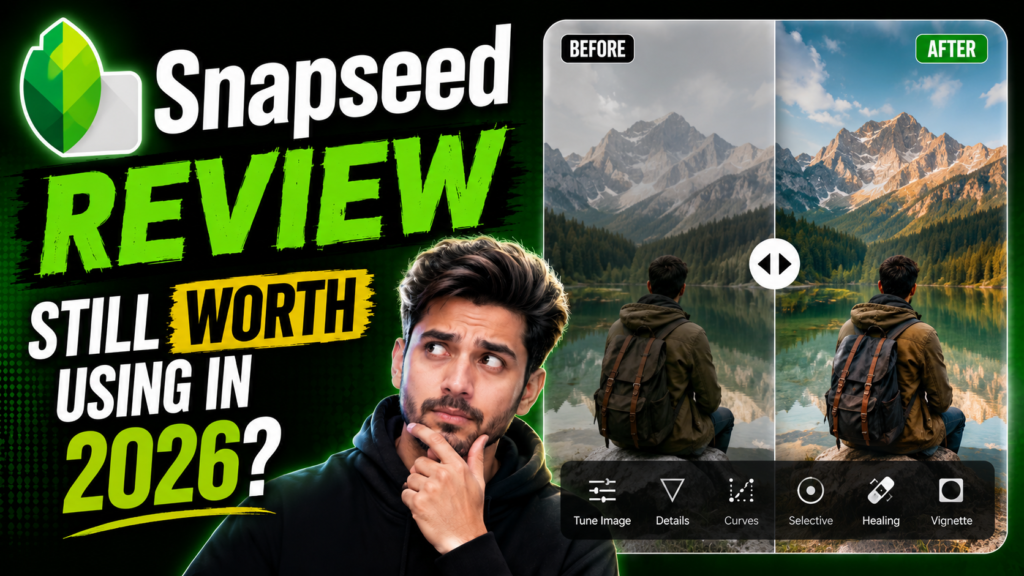
Why Snapseed Is Still Popular in 2026
As far as I have seen, many users are tired of aggressive AI editing now.
People do not always want glowing skin and fake beauty filters. Sometimes they just want their photo to look cleaner and better naturally.
That is exactly why Snapseed still matters.
Another reason is simplicity.
The app:
- Runs smoothly
- Feels lightweight
- Does not force subscriptions
- Works nicely on older phones
Many mobile photographers still use Snapseed before uploading travel photos, food shots, or aesthetic DPs online.
And honestly, the editing feels peaceful compared to heavy modern apps.
Pros and Cons of Snapseed Editing
Pros of Snapseed
Good things:
- Completely free
- Lightweight performance
- Natural-looking edits
- Great selective editing tools
- No watermark
- Good portrait controls
- Smooth user experience
One thing I genuinely like is how realistic Snapseed edits look after export.
Cons of Snapseed
But honestly, the app feels old visually now.
Problems include:
- No trendy AI features
- Limited effects compared to newer apps
- Fewer templates
- Interface feels outdated
- Not ideal for flashy edits
People who love neon effects and dramatic AI styles may find Snapseed boring honestly.
How To Edit Photos Using Snapseed
First upload a clear HD image.
Then:
- Adjust brightness
- Tune shadows carefully
- Add slight HDR
- Use selective editing tool
- Add warmth if needed
- Sharpen slightly
- Export in HD quality
Front-face selfies work better mostly for portraits.
One weird thing I noticed is that over-editing quickly ruins Snapseed photos because the app works best with natural adjustments.
Low-quality photos usually stay weak even after editing, honestly.
Final Words On Snapseed Review
Look, Snapseed may not look flashy anymore, but honestly, it still does many things really well.
Not everyone wants heavy AI filters or fake-looking beauty edits. Many users simply want cleaner lighting, soft shadows, balanced colors, and realistic photos that still look natural online.
And for that kind of editing, Snapseed honestly still feels worth using in 2026.
FAQs About Snapseed Review
Is Snapseed still good in 2026?
Yes, especially for clean, natural editing.
Is Snapseed completely free?
Yes, there are no subscriptions.
Can Snapseed do AI editing?
Not really like newer AI apps.
Why do photographers still use Snapseed?
Because edits feel realistic and clean.
Does Snapseed reduce quality after export?
Mostly no if export settings are correct.