Cricket fans are doing something really fun these days. Instead of just watching matches, they are making AI photos of their favorite PSL teams. And honestly, some of them look crazy good. I have seen people turn players into superheroes, movie characters, kings, warriors, and even futuristic robots. It’s everywhere now.
With PSL 11 coming in 2026, people are again searching for ways to make cool AI images for all teams using Google Gemini and other AI tools. The interesting thing is, you don’t even need editing skills anymore. A simple idea can turn into a nice-looking photo in seconds.
Many people try this but sometimes the image comes out weird. One player gets three hands, or the jersey color looks wrong. That happens a lot actually. AI tools are smart, but not perfect.
Still, it’s a fun trend.
Why PSL AI Photos Became So Popular
PSL fans love supporting their teams online. Every season you see profile pictures, wallpapers, Instagram stories, and fan edits everywhere. AI just made the whole thing easier.
Now fans can create:
- Team posters
- Stylish player edits
- AI wallpapers
- Match-day graphics
- Funny meme-style images
- Ultra HD fantasy team photos
I have noticed that people enjoy making photos for teams like Lahore Qalandars and Karachi Kings the most. Their fan bases are huge online, so trends spread very fast.
Some fans even make full “cinematic” team photos before big matches. Honestly, some of them look better than actual posters.
PSL 11 all teams AI photos prompts
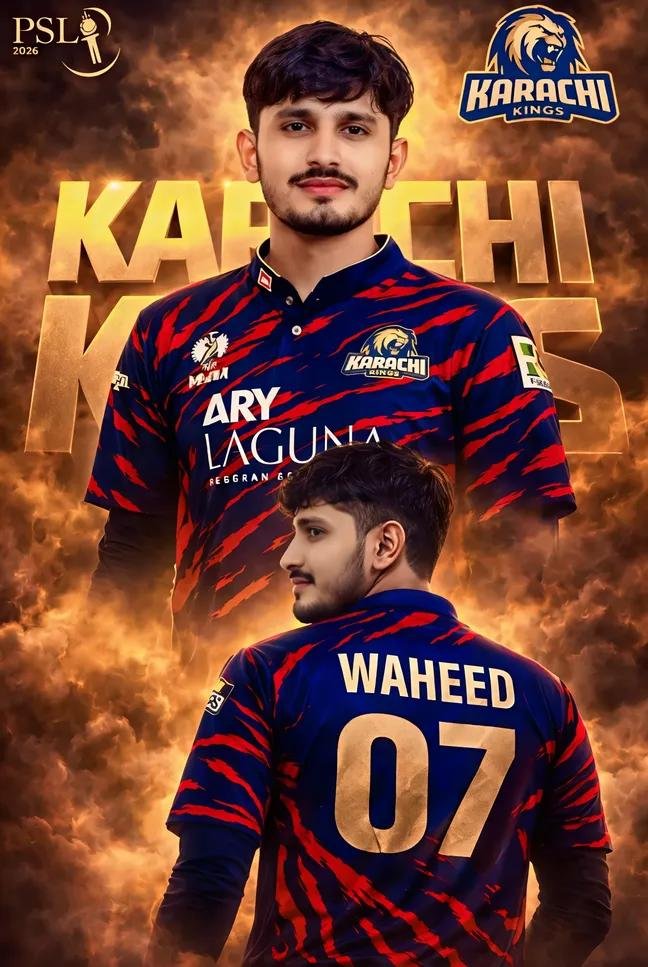
Edit this exact photo without changing the face. Replace clothing with Karachi Kings latest jersey (navy blue with red tiger stripes). Keep face 100% original and realistic. Add cinematic golden smoke background with dark clouds. Create a professional PSL poster style. Add "ADD YOUR NAME" on jersey back view and bold gold "KARACHI KINGS" text. High contrast, sharp, realistic.
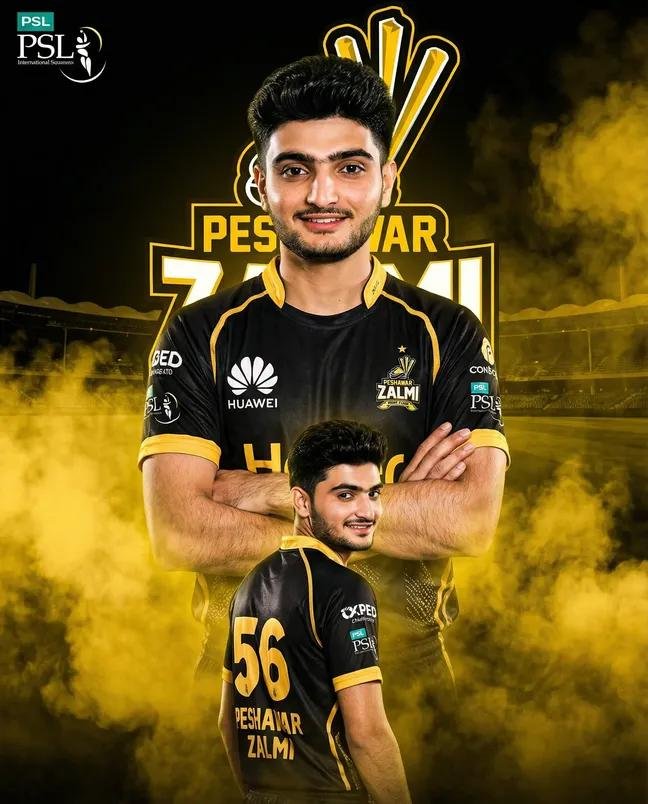
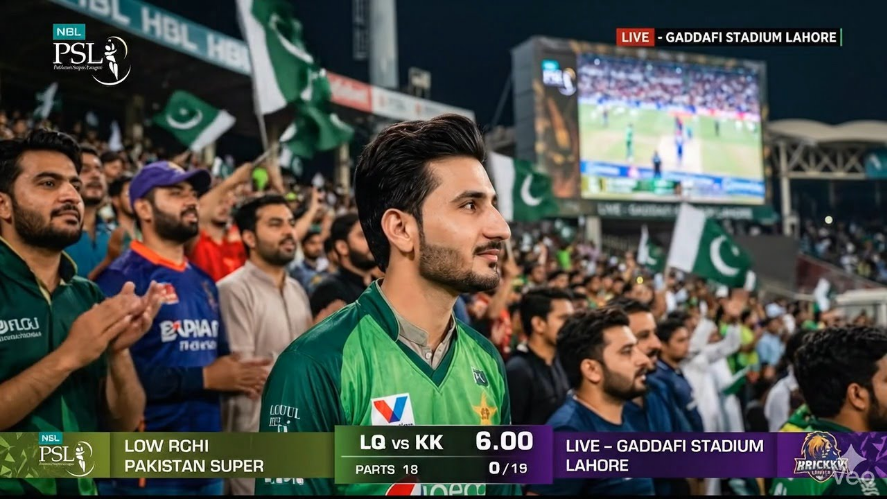
A realistic cricket studio scene during PSL opening match celebration. Two team captains from Lahore Qalandars and Hyderabad Kingsmen standing beside me, both wearing their official team kits. I am standing in the center wearing a stylish random cricket uniform (not matching any team), modern and professional. All three of us smiling and celebrating the opening match. Background shows a large digital screen with stadium lights and Behind us, blurred players from both teams are visible. Cinematic lighting, ultra realistic, 4K, depth of field, sports broadcast studio environment.
PSL 11 all teams AI photos prompts
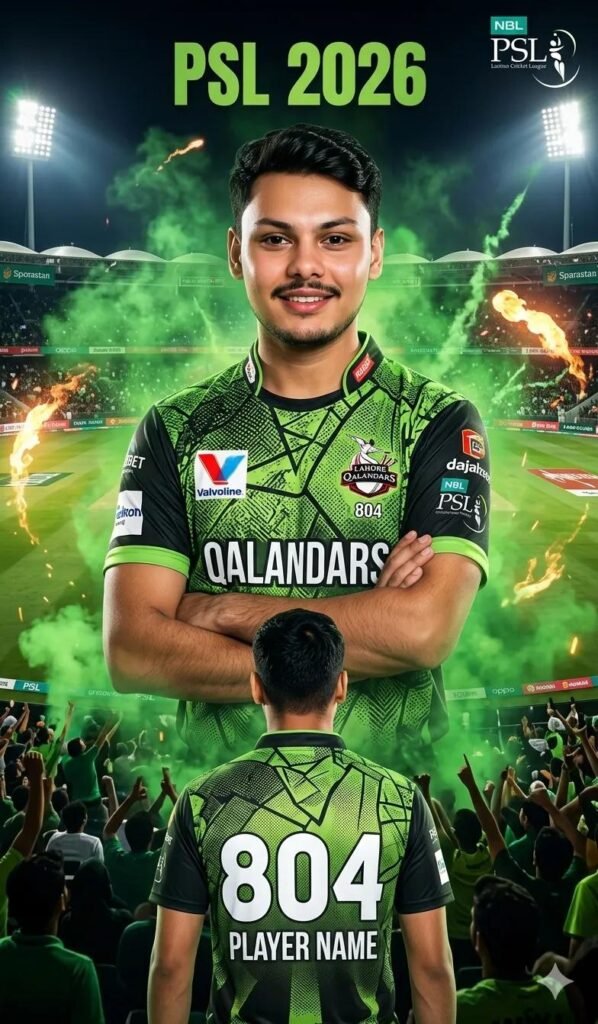
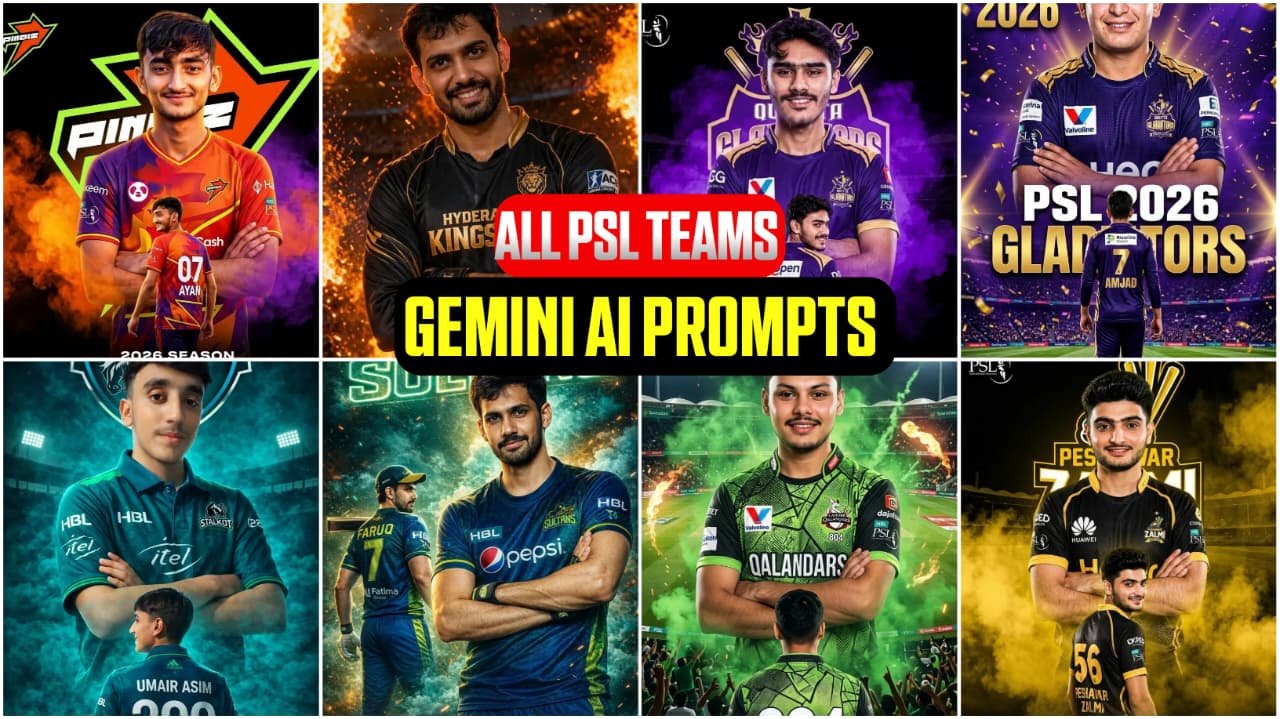
Create a realistic cinematic PSL cricket poster of a young boy wearing a Lahore Qalandars jersey, standing confidently in a large cricket stadium with green smoke effects, dramatic lighting, detailed jersey texture, team logo visible, stylish hairstyle, smiling face, high-quality sports photography, 4K ultra realistic, professional poster design, player name (ADD YOUR NAME) written on the back, jersey number 46, energetic PSL 2026 theme. Add same face and hair The reference image
PSL 11 all teams AI photos prompts
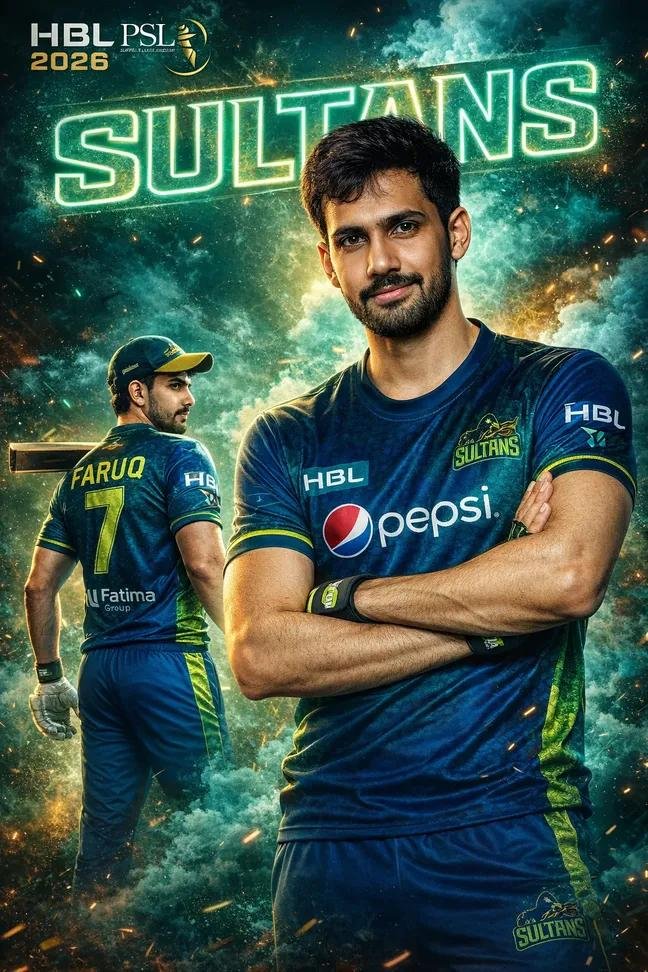
A professional sports poster for HBL PSL 2026 featuring a handsome young Pakistani cricketer. The player has a well-groomed mustache and a modern short hairstyle. He is shown in two poses: one large front-facing portrait with arms crossed and a confident smile, and a smaller full-body profile shot in the foreground showing the back of his jersey with the number "46" and the name "ADD YOUR NAME." He is wearing the vibrant blue and teal green Multan Sultans team kit with "Pepsi" and "Fatima Group" logos.The background features explosive teal smoke, sparks, and glowing neon "SULTANS" text in a bold, sporty font. High-end sports photography style, 8K resolution, cinematic lighting, sharp details, and a dynamic athletic atmosphere.
PSL 11 all teams AI photos prompts
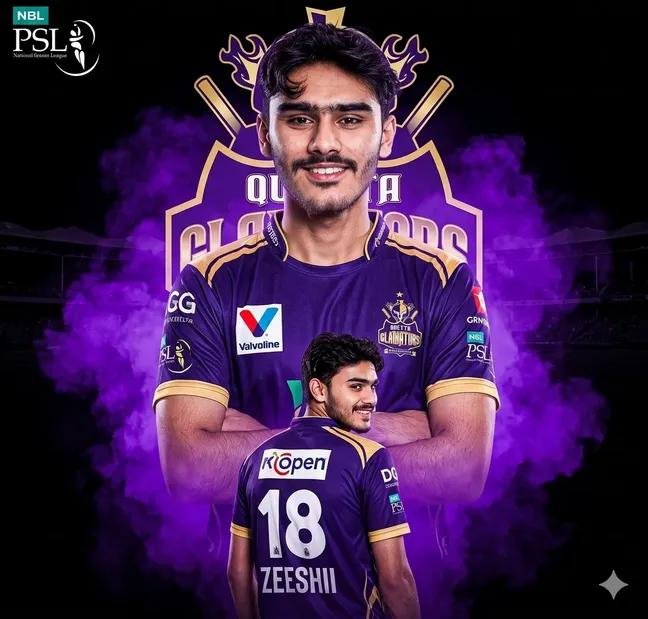
Create a dramatic PSL-style poster using my photo (use the uploaded image as a reference and keep my facial features the same; do not alter the face). The team is [Quetta Gladiators]. Design everything according to this team’s official identity, colors, and branding. Keep my facial features exactly the same as in my photo, but put me in the official 2026 style jersey of this team, with sponsor logos in white on the chest and sleeves.
PSL 11 all teams AI photos prompts
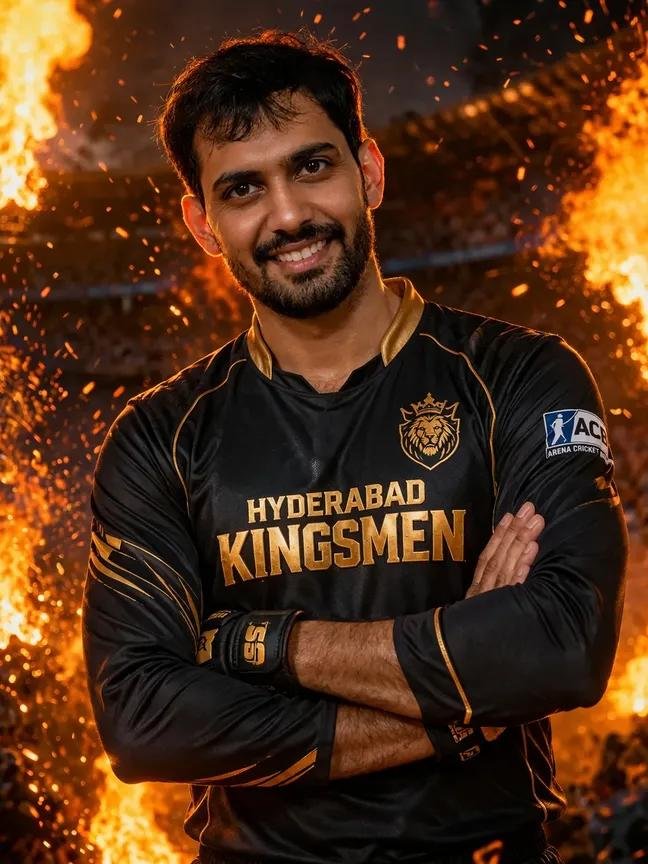
A high-resolution cinematic sports portrait of Glenn Maxwell wearing a premium black and gold long-sleeved cricket jersey with "HYDERABAD KINGSMEN" printed across the chest. He is smiling warmly at the camera. The background is an epic, dark arena with dramatic orange fire, sparks, and glowing embers flying through the air. Intense warm rim lighting highlights his silhouette. The overall style is high-end commercial photography, 8k resolution, shot on a Sony A1 with an 85mm lens for a sharp subject and a beautifully blurred, fiery background.
PSL 11 all teams AI photos prompts
PSL 11 all teams AI photos prompts
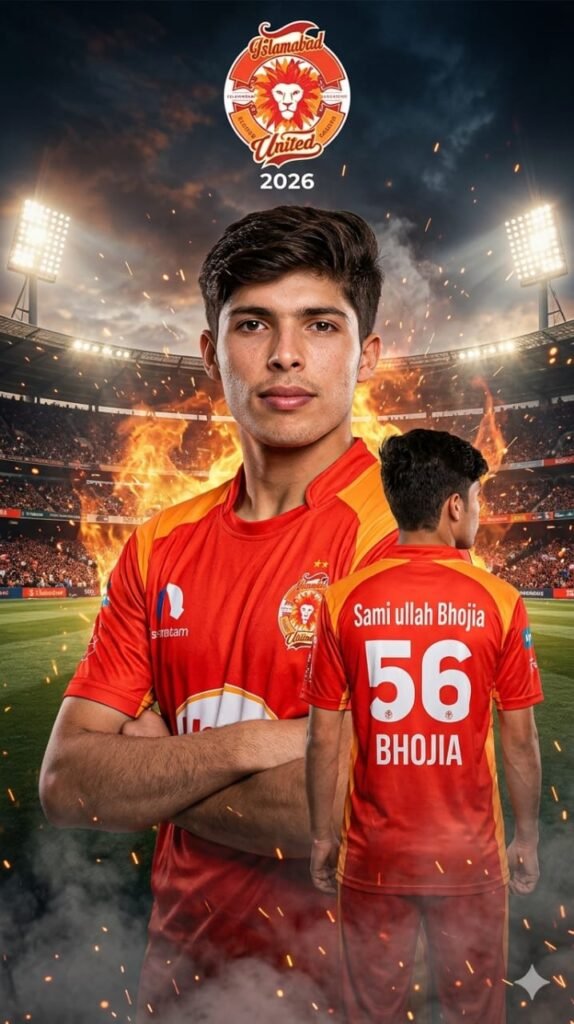
A dramatic cricket poster of ADD YOUR NAME wearing the official Islamabad United 2026 red and orange jersey. The composition features a powerful double-exposure design: a large front-facing portrait of the player with arms crossed, confident expression, looking directly at the camera, and a smaller back-view version walking away, showing the name "ADD YOUR NAME" and jersey number "46".The background shows a glowing cricket stadium with floodlights, blended with intense red-orange flames, smoke, and spark particles, creating a fiery and energetic Islamabad United theme. The Islamabad United logo is placed at the top with "2026" text, styled like an official team poster. Cinematic lighting with warm red and orange tones, high contrast, ultra-realistic skin texture, sharp focus, depth of field, dramatic shadows, and professional sports poster color grading. Fire effects, haze, and glowing atmosphere enhance the intensity. 8K resolution, ultra-detailed, trending PSL poster style. The eyes and Nose Same reference Image. Don't Change my face 100%
PSL 11 all teams AI photos prompts
PSL 11 all teams AI photos prompts
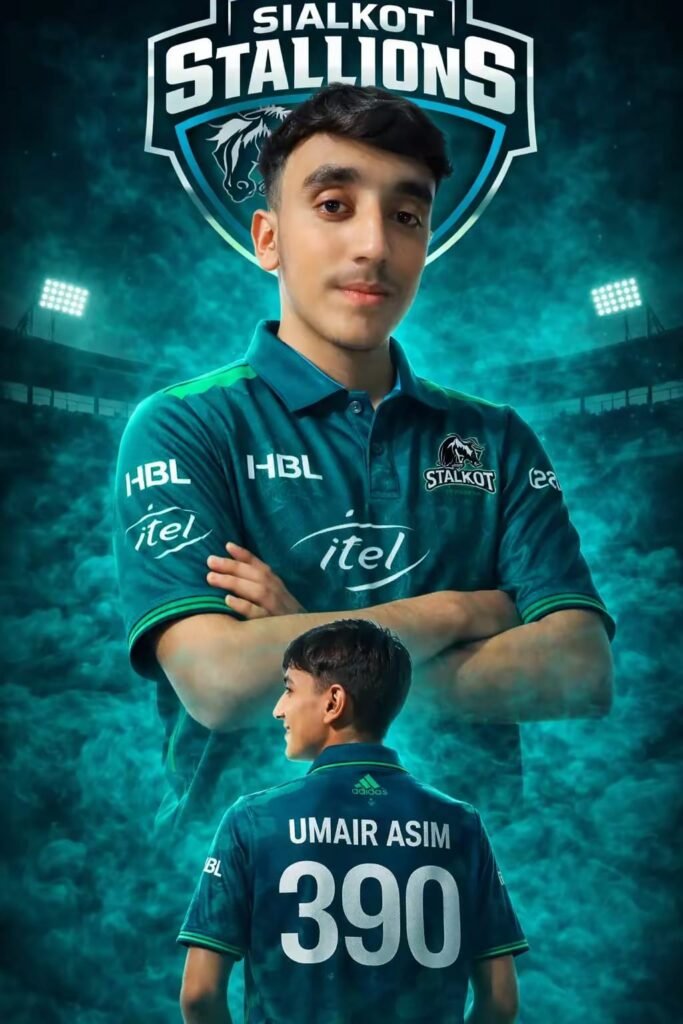
Create a dramatic PSL-style poster using my photo (use the uploaded image as a reference and keep my facial features the same; do not alter the face).The team is [Sialkot Stallionz]. Design everything according to this team's official identity, colors, and branding. Keep my facial features the same as in my photo, but put me in the official 2026 style jersey of this team, with sponsor logos in white on the chest and sleeves. Make two versions of me: one large portrait from the chest up with arms crossed and a confident smile in the center, and one back-body image of me below wearing the same team jersey with white colour 390 [ADD YOUR NAME] on the back smiling.IMPORTANT: The smoke color must automatically match the dominant color of the team jersey. Extract the primary jersey color and apply the same color tone to the. Do not use any unrelated default colors. The smoke should be dense, cinematic, and glowing, perfectly matching the team's color palette. Use a dark black background with a large logo-style text of the team name and a stadium silhouette behind me, similar to a cricket team emblem. Use vivid, high-contrast lighting to make my face and jersey stand out. Make the overall style sharp, colorful, and suitable for a sports poster. smoke.
PSL 11 all teams AI photos prompts
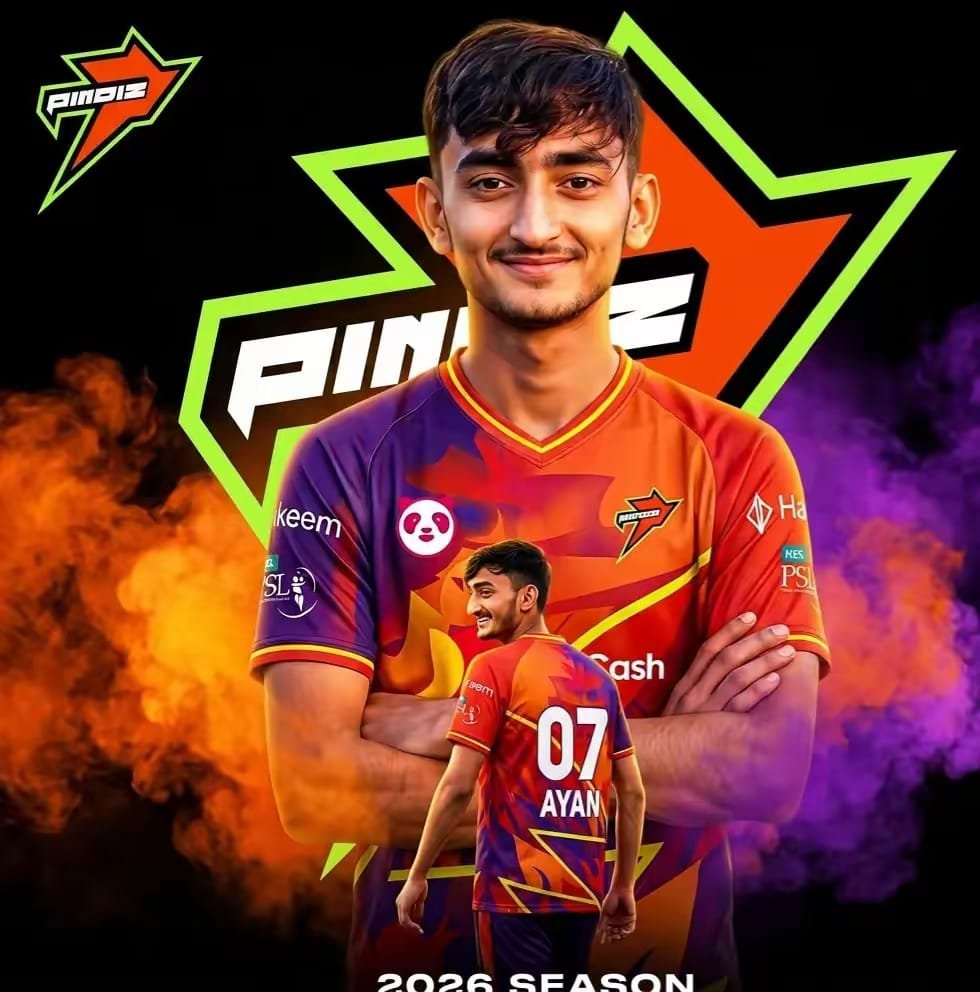
Create a dramatic PSL-style poster using my photo (use the uploaded image as a reference and keep my facial features the same; do not alter the face). The team is [PINDIZ]. Design everything according to this team's official identity, colors, and branding. Keep my facial features the same as in my photo, but put me in the official 2026 style jersey of this team, with sponsor logos in white on the chest and sleeves. Make two versions of me: one large portrait from the chest up with arms crossed and a confident smile in the center, and one back-body image of me below wearing the same team jersey with white colour [46] [ADD YOUR NAME] on the back smiling.IMPORTANT: The smoke color must automatically match the dominant color of the team jersey. Extract the primary jersey color and apply the exact same color tone to the smoke. Do not use any unrelated default colors. The smoke should be dense, cinematic, and glowing, perfectly matching the team's color palette. Use a dark black background with a large logo-style text of the team name and a stadium silhouette behind me, similar to a cricket team emblem. Use vivid, high-contrast lighting to make my face and jersey stand out. Make the overall style sharp, colorful and suitable for a sports poster.Use the shirt from the given pictures.
Using Google Gemini for PSL AI Images
Google Gemini is becoming popular for AI creativity. People use it for writing ideas, image concepts, captions, and photo styles.
The good thing is that it feels simple. You don’t need to learn difficult editing software.
Usually people just:
- Pick a PSL team
- Think of a theme
- Describe the style they want
- Generate the image
- Edit slightly if needed
That’s pretty much it.
Some users like realistic cricket stadium looks, while others go full fantasy mode. I personally think the dramatic styles look more fun for PSL content.
PSL Teams People Mostly Create AI Photos For
Almost every team gets attention, but a few always trend more during PSL season.
Peshawar Zalmi
Fans love golden cinematic edits for this team. Desert backgrounds and warrior-style themes are common.
Islamabad United
A lot of futuristic and modern AI photos are made for United. Red neon styles are very popular.
Quetta Gladiators
Purple-themed royal edits look really nice for Gladiators. Sometimes the AI makes them look like movie heroes.
Multan Sultans
People usually go for royal blue effects and storm-style backgrounds here. It actually fits the team vibe well.
Tips for Better PSL AI Photos
A small trick many people ignore is image detail. If your idea is too short, the AI gets confused. More clear ideas usually give better results.
For example, instead of saying:
“Make PSL player image”
People now describe:
- jersey colors
- stadium lights
- facial expressions
- weather
- camera angle
- HD style
That helps a lot.
Another thing — don’t expect perfection every time. Sometimes the face looks odd or text appears broken. That’s normal with AI images right now.
I have seen that trying again with small changes often fixes the result.
Also, using team colors correctly makes a huge difference. Wrong colors instantly make the photo feel fake.
Why Fans Love Sharing These AI Photos
Honestly, it’s mostly about fun and team support.
Fans want unique profile pictures and stylish posts before matches. Some even make AI images after winning games just to tease rival teams a little. Classic PSL fan behavior.
TikTok, Instagram, and Facebook are full of these edits now. Once one design trends, hundreds of people start making similar versions.
Sometimes simple designs even go viral faster than complicated ones.
That surprised me too.
FAQs
1. Can Google Gemini make PSL AI photos?
Yes, many users use Google Gemini for ideas and AI-generated image concepts related to PSL teams.
2. Which PSL team AI edits are most popular?
Usually Lahore Qalandars, Karachi Kings, and Peshawar Zalmi trend the most online.
3. Why do AI cricket photos sometimes look strange?
AI tools still make mistakes sometimes. Hands, faces, or jerseys may appear weird, especially in detailed images.ematic lighting” at the end of any prompt.