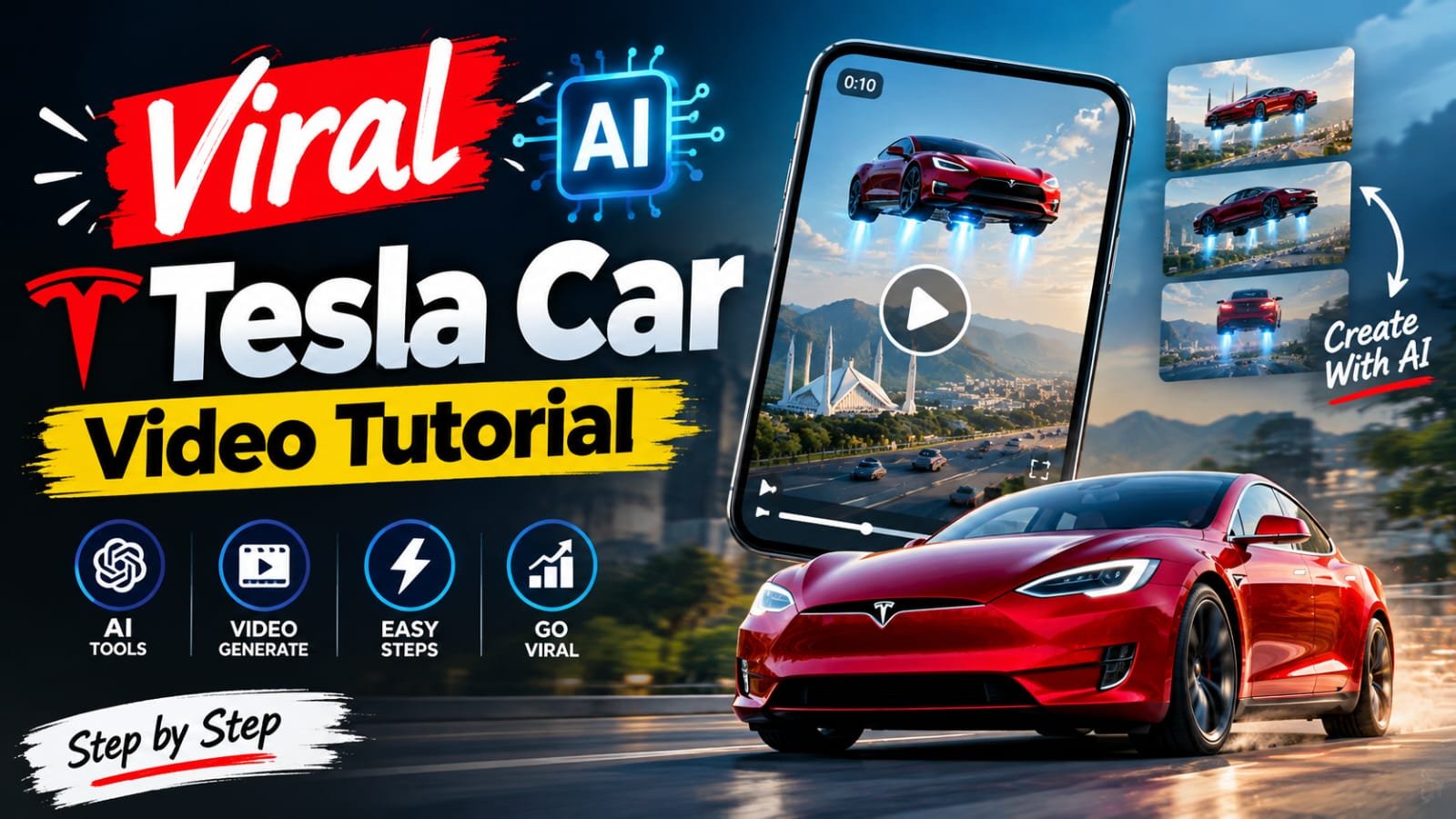
Want to create an amazing Instagram viral AI Tesla car flying video? 🚀 With the right AI video prompt, you can transform a simple car image into a futuristic flying Tesla video that looks cinematic, realistic, and perfect for Instagram Reels, YouTube Shorts, and TikTok.
In this article, you will get a copy-paste viral AI Tesla car video prompt that you can use with compatible AI video-generation tools to create your own futuristic car stunt.
Viral AI Tesla Car Flying Video Prompt
Copy the following prompt and paste it into your preferred AI video generator.
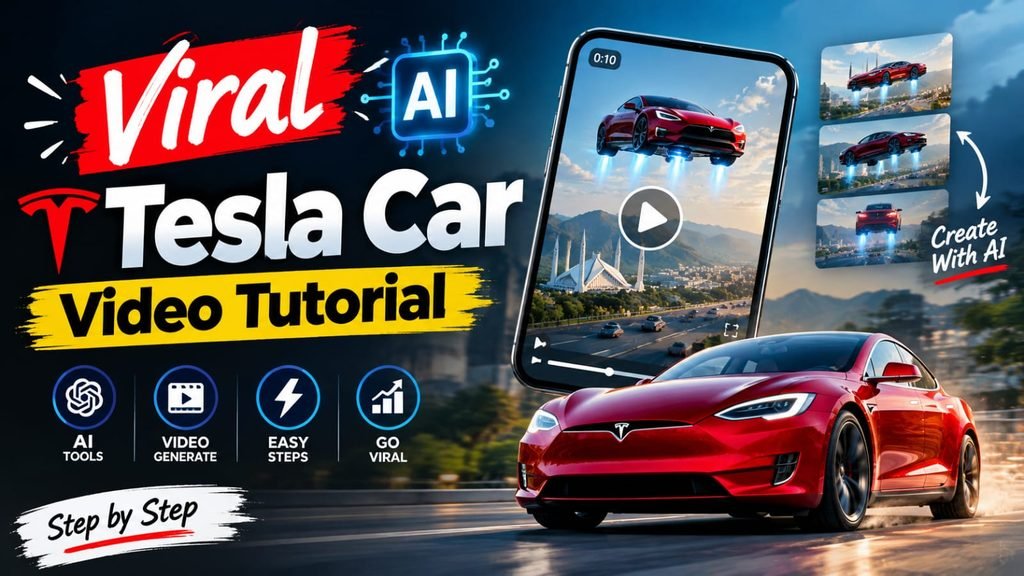
AI Video Prompt:
Create an ultra-realistic, Hollywood-quality cinematic video exactly 10 seconds long, using my uploaded reference image as the primary visual reference. IDENTITY LOCK: Preserve my exact real face and identity throughout every frame, including facial structure, eyes, eyebrows, nose, lips, jawline, skin tone, hairstyle, beard, age, natural skin texture, clothing, and body proportions. Do not beautify, redesign, replace, or regenerate my face. VEHICLE LOCK: Use exactly the same car shown in my uploaded reference image, preserving its original make, model, body shape, paint color, wheels, headlights, windows, grille, and every visible detail. Do not substitute a Tesla or any other vehicle, and never change the car's design or color between shots. If separate reference images are provided for my face and car, preserve both independently. LOCATION: Set the entire sequence on a beautiful modern highway in Islamabad, Pakistan, during golden-hour daylight, with lush green Margalla Hills, the Faisal Mosque visible in the distance, realistic Pakistani traffic, modern surroundings, natural scenery, and detailed road textures. The environment must look like a real location in Pakistan, not a futuristic city or fantasy landscape. SCENE 1 (0–2 seconds): CINEMATIC DRIVER INTRODUCTION. Begin with a tight cinematic close-up of me sitting in the driver's seat of the exact reference car. Show my face clearly through the car window, illuminated by natural sunlight, maintaining my exact identity and facial features. The camera smoothly moves from my face toward my hand resting on the steering wheel. Use realistic window reflections, natural skin texture, shallow depth of field, subtle camera movement, and moving traffic in the background. SCENE 2 (2–3 seconds): FLIGHT ACTIVATION. Cut to an extreme close-up of my finger pressing a futuristic flight activation button inside the car. The dashboard illuminates with subtle blue-white indicator lights as realistic mechanical components activate, accompanied by a deep futuristic activation sound. Transition seamlessly to a dramatic low-angle exterior shot without changing the vehicle's original design. SCENE 3 (3–5 seconds): THRUSTER ACTIVATION AND TAKEOFF. Show the underside of the exact reference car from a dramatic low angle as fictional rocket-style thrusters activate beneath the vehicle. Powerful blue-white exhaust flames emerge downward, accompanied by high-pressure gas jets, swirling white-gray vapor, turbulent exhaust, heat distortion, and volumetric smoke. The exhaust illuminates the road, pushing dust and loose particles outward through believable airflow. The fictional propulsion lifts the car smoothly into the air, with the suspension extending naturally as all four wheels leave the asphalt. Maintain realistic vehicle movement, consistent lighting, and detailed reflections across the original bodywork while ordinary traffic continues below. All flames and gas must originate exclusively from the underside, never from the headlights, windows, or unrelated vehicle parts. Keep the car intact and free from deformation. SCENE 4 (5–7 seconds): FLYING ABOVE TRAFFIC. Show the car flying safely above the Islamabad highway through a dramatic side-tracking shot, a smooth front three-quarter angle, and a brief low-angle underside view clearly revealing blue-white thruster flames, pressurized gas, heat shimmer, and naturally dispersing vapor trails. The exhaust streams downward as the car gains altitude, while traffic continues moving below. Include the green Margalla Hills, authentic Pakistani surroundings, and the Faisal Mosque in the distance. Use smooth transitions, realistic motion blur, natural sunlight, and professional Hollywood-style automotive cinematography. SCENE 5 (7–8 seconds): CONTROLLED DESCENT. The car begins descending toward a clear section of highway as the camera smoothly orbits from the side toward the front. Downward-facing thrusters emit controlled blue-white flames and pressurized gas to slow the descent, creating realistic heat distortion, swirling vapor, and subtle smoke. The vehicle gradually loses altitude while maintaining its original design, color, wheels, and proportions. Ensure the landing area is clear of other vehicles, with no collisions or dangerous contact with traffic. SCENE 6 (8–10 seconds): REALISTIC LANDING AND FINAL HERO SHOT. Use a dramatic low-angle camera near the road to capture the final landing. Short bursts of blue-white exhaust stabilize the vehicle during descent, gradually decreasing as the car approaches the asphalt. All four wheels gently touch the road, with realistic suspension compression and rebound as the vehicle's weight settles. A small cloud of dust spreads beneath the car while gas and vapor disperse naturally. The thrusters shut down completely after touchdown, and the car continues driving forward smoothly on all four wheels. End with a beautiful front three-quarter tracking shot of the exact reference car driving along the Islamabad highway, with the Faisal Mosque and green Margalla Hills visible in the background, realistic golden sunlight reflecting across the original car body, and premium automotive-commercial cinematography. The final frame must clearly show the car driving normally after a successful landing. CINEMATOGRAPHY: Hollywood-quality automotive cinematography, extreme close-ups, dramatic low-angle shots, smooth side-tracking shots, front three-quarter views, dynamic camera orbits, seamless cinematic cuts, natural camera movement, realistic depth of field, professional motion blur, high dynamic range, photorealistic reflections, golden-hour lighting, and premium cinematic color grading. THRUSTER VISUAL EFFECTS: Fictional rocket-style propulsion beneath the car, blue-white exhaust flames, high-pressure gas streams, volumetric white-gray vapor, turbulent exhaust flow, heat distortion, realistic dust displacement, subtle road illumination, natural smoke dissipation, controlled thrust during takeoff, reduced thrust during landing, and complete thruster shutdown after touchdown. AUDIO DESIGN: Include a subtle futuristic activation sound when the button is pressed, powerful but realistic thruster ignition, deep mechanical propulsion during takeoff, rushing air during flight, gradually decreasing engine and exhaust intensity during descent, a soft mechanical landing sound when the wheels touch the asphalt, and natural road ambience as the car drives away. No dialogue, narration, or subtitles. STRICT NEGATIVE PROMPT: No face changes, identity changes, face swapping, facial distortion, different person, hairstyle changes, clothing changes, different car, Tesla substitution, car color changes, wheel changes, bodywork deformation, duplicated vehicles, extra fingers, distorted hands, flickering, unnatural camera jumps, cartoon flames, oversized explosions, fire engulfing the car, smoke completely obscuring the vehicle, collisions, damaged roads, uncontrolled landing, floating wheels after touchdown, sudden teleportation, random text, unwanted logos, or watermarks. CONTINUITY REQUIREMENTS: Maintain the same person and vehicle throughout the entire video, preserve the reference face and exact car design as accurately as possible, maintain consistent lighting and environmental details, and ensure takeoff, flight, descent, and landing form one continuous, visually coherent cinematic sequence. FINAL OUTPUT: Exactly 10 seconds, 9:16 vertical aspect ratio, highest available resolution, ultra-realistic Hollywood cinematic science fiction, dynamic multi-angle automotive cinematography, maximum possible face and vehicle consistency, and a clearly visible landing with all four wheels touching the road. The overall result must resemble a premium, photorealistic flying-car sequence filmed in Islamabad, Pakistan.
How to Create a Viral AI Tesla Video
Follow these simple steps to create your video:
- Copy the prompt: Select the complete AI Tesla flying car prompt above.
- Choose an AI tool: Open a compatible AI video generator, such as Google Flow, Kling, or Runway.
- Generate your video: Paste the prompt and upload a Tesla reference image if the tool supports image-to-video generation.
- Edit your Reel: Add cinematic sound effects, suitable music, and smooth transitions.
- Upload to Instagram: Export in vertical 9:16 format and use relevant hashtags.
Best Caption for Instagram Reels
“Imagine driving your Tesla straight into the sky! 🚘🚀 The future of cars looks unbelievable. Would you try this flying Tesla? Comment below!”
SEO Tags and Hashtags
SEO Keywords: Instagram viral AI Tesla car flying video prompt, viral AI Tesla car video prompt, Tesla flying car AI video, AI car video editing prompt, futuristic car video, AI-generated car Reel, Tesla AI video 2026.
Instagram Hashtags: #Tesla #TeslaAI #FlyingCar #AIVideo #AIEditing #TeslaReels #ViralReels #CarEdit #AIArt #FutureCars #InstagramReels #VideoPrompt #AICarVideo #TrendingReels #ViralVideo
Final Words
This viral AI Tesla car flying video prompt is a creative way to make futuristic automotive content without filming a real-life stunt. Experiment with different Tesla colors, backgrounds, camera angles, and visual effects to create your own unique Reel. Remember to label AI-generated content appropriately and never attempt dangerous vehicle stunts in real life.