Every year, a few days before 14 August, my phone starts filling up with messages from friends asking the same thing: “Do you have a good Pakistan Independence Day background for photo editing?” A few years ago, I used to search for hours, only to end up downloading blurry images with watermarks or poor quality.
After creating Independence Day content for social media over the years, I realized that finding a good background is only half the job. The real difference comes from choosing a background that matches your editing style. Whether you edit photos in Lightroom, PicsArt, Photoshop, or any AI photo editor, a clean HD background can completely change the final result.
If you’re looking for the best 14 August background download options and want your edits to stand out on TikTok, Instagram, Facebook, or YouTube, this guide will help you choose the right backgrounds and use them properly./
Why People Search for 14 August Backgrounds
Pakistan’s Independence Day is one of the busiest times for photo editors and content creators. Many people want to update their profile pictures, create posters, make WhatsApp status images, or design YouTube thumbnails with a patriotic look.
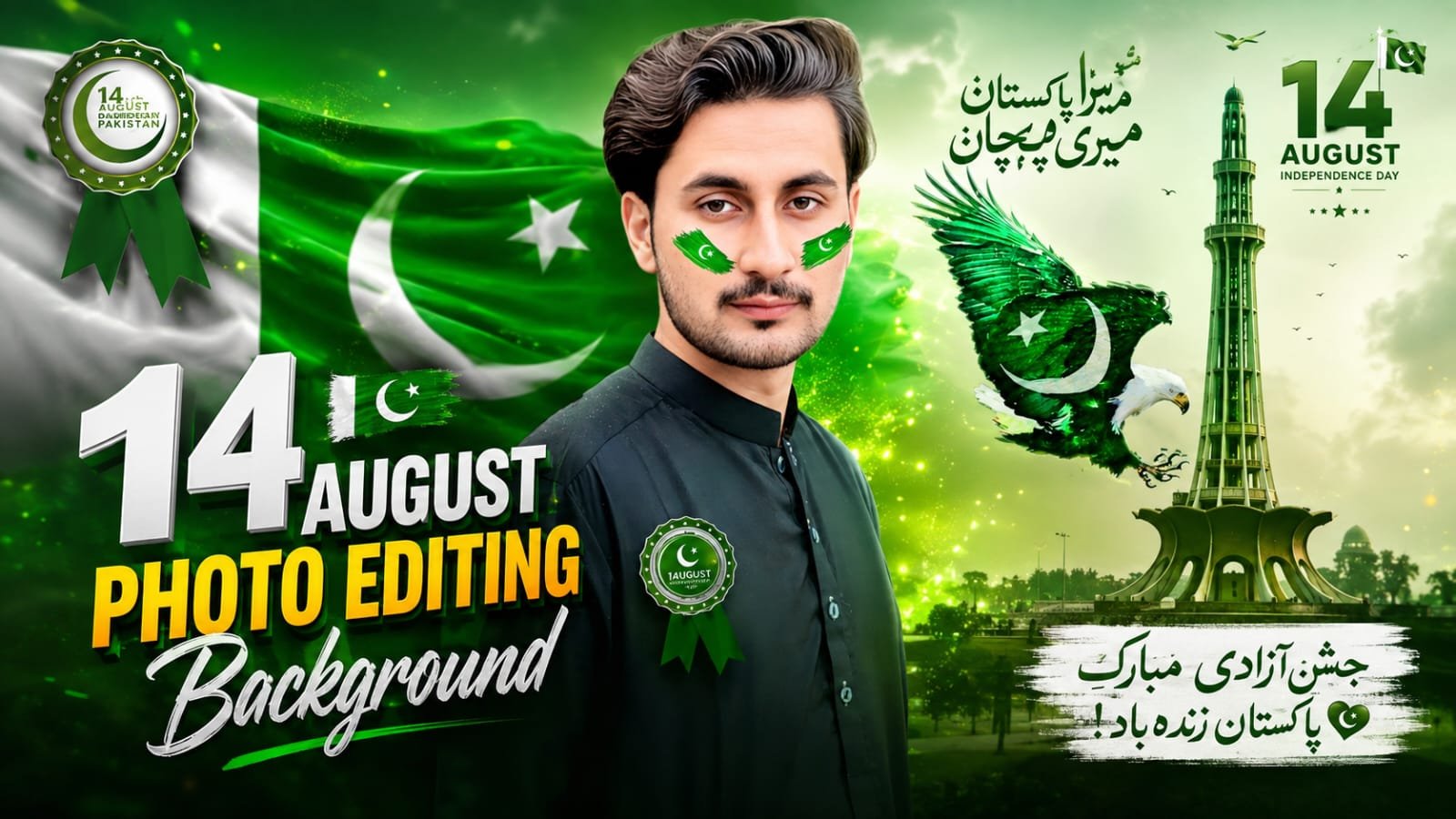
A simple selfie can look much more attractive after adding:
- Pakistan flag effects
- Minar-e-Pakistan backgrounds
- Green smoke overlays
- Crescent and star designs
- Fireworks
- Beautiful sky effects
- Independence Day typography
- National monument backgrounds
Instead of taking a new photo outdoors, many editors simply replace the background using editing apps./
What Makes a Good 14 August Editing Background?
Not every background gives professional results.
I learned this after editing dozens of photos using random images downloaded from the internet. Many looked sharp until I zoomed in, where everything became blurry.
A quality Independence Day background should have:
- Full HD or 4K resolution
- Natural lighting
- Clean colors
- Enough empty space around the subject
- No watermark
- High-quality details
- Proper contrast
If the background itself looks low quality, your final edit will never look premium./
Popular Types of Happy Independence Day Backgrounds
Different editing styles need different backgrounds. Here are some of the most popular ones.
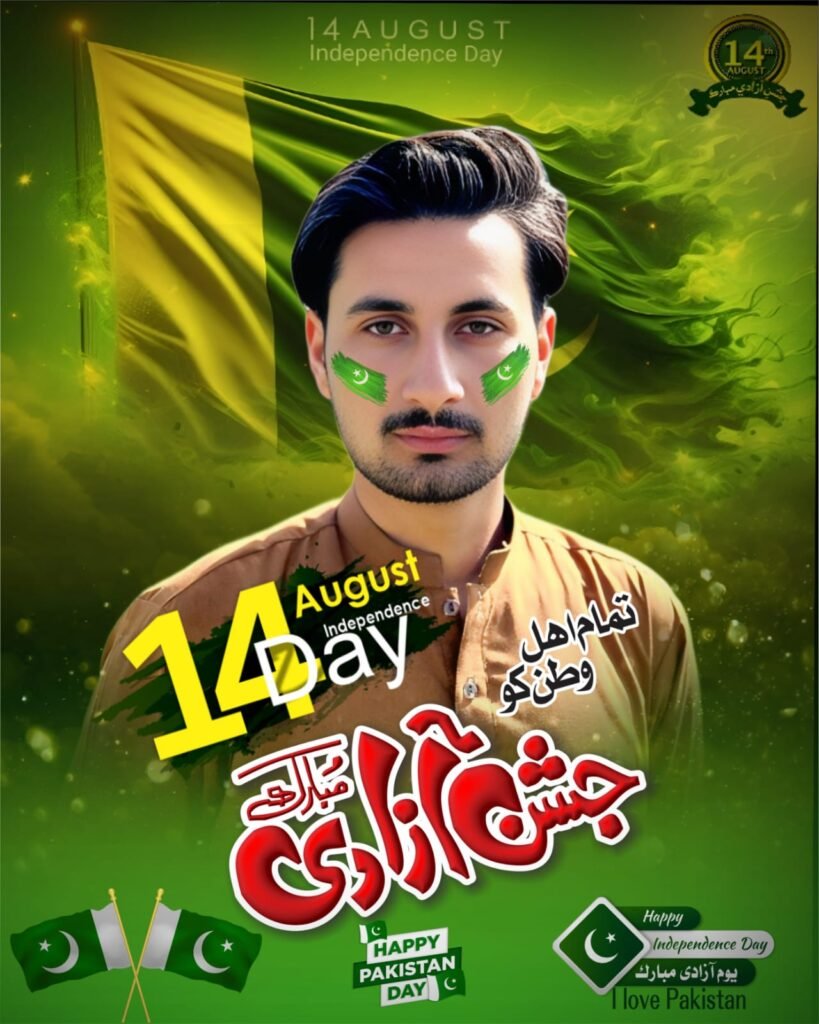
Pakistan Flag Background
This is the most searched style every August.
The background usually includes:
- Large waving Pakistan flag
- Green smoke
- Bright sunlight
- Flying birds
- Soft lighting
It works well for profile pictures and posters.
Minar-e-Pakistan Background
This style creates a patriotic look.
Many editors place the subject in front of Minar-e-Pakistan with green lighting and clouds. It gives photos a realistic Independence Day feeling.
3D Pakistan Theme Background
These backgrounds include:
- Floating crescent moon
- Stars
- Green ribbons
- Sparkles
- Modern digital lighting
They are popular for Instagram posts and YouTube thumbnails.
Nature Style Independence Day Background
If you prefer realistic editing, choose backgrounds featuring:
- Mountains
- Green fields
- Blue sky
- Pakistan flags
- Morning sunlight
These backgrounds feel more natural than heavily edited designs.
Studio Style Background
Some creators like portrait editing.
Studio-style backgrounds usually include:
- Green spotlights
- Dark gradient walls
- Pakistan flag lighting
- Soft shadows
These are excellent for DSLR-style portraits.
Best Apps to Edit 14 August Photos
You don’t need an expensive computer anymore. Most Independence Day edits can be done directly on your Android phone.
Some apps I regularly use include:
PicsArt
Great for:
- Background removal
- Layer editing
- Stickers
- Flag overlays
- Blend modes
Lightroom
Perfect for:
- Color grading
- Green color adjustments
- Exposure
- Contrast
- Professional finishing
Photoshop
Still one of the best choices if you want complete control over your design.
Useful for:
- Background replacement
- Advanced masking
- Text effects
- Poster design
Canva
If you’re creating social media posts instead of photo manipulation, Canva is a simple option.
It includes ready-made Independence Day templates that you can customize within minutes.
How to Edit a 14 August Photo Step by Step
This is the workflow I usually follow when creating Independence Day edits.
Step 1
Choose a clear portrait with good lighting.
Natural daylight always produces better results.
Step 2
Remove the original background.
Apps like PicsArt or AI background remover tools make this very easy.
Step 3
Import your HD Pakistan Independence Day background.
Make sure the background resolution matches your project.
Step 4
Adjust lighting.
Many beginners skip this part.
If your subject has warm lighting but the background is cool green, the edit immediately looks fake.
Match the brightness and color temperature.
Step 5
Add shadows.
Even a soft shadow behind the person makes the photo look much more realistic.
Step 6
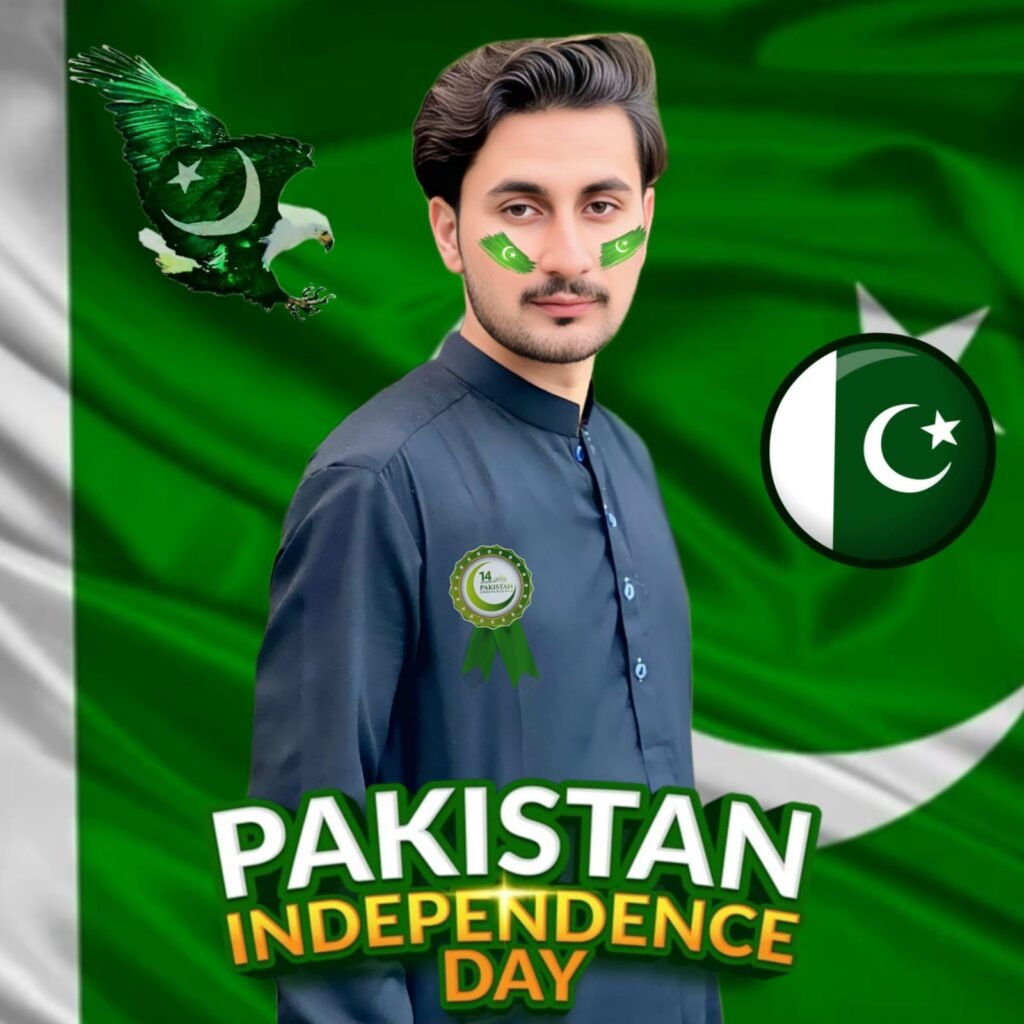
Add Pakistan flag elements carefully.
Avoid covering the face completely.
Small flag effects on the cheeks or behind the subject usually look cleaner.
Step 7
Finish with color grading.
Increase:
- Contrast
- Clarity
- Vibrance
- Sharpness
Don’t overdo saturation because overly bright greens can make the photo look unnatural./
Where to Download 14 August Backgrounds
Many creators simply search on Google Images and download the first result.
I used to do the same.
The problem is that many of those images are compressed, copied multiple times, or contain hidden watermarks.
Instead, look for:
- HD wallpaper websites
- Creative design communities
- Free stock image platforms
- Creator websites sharing editing resources
- Your favorite editing creators’ download pages
Always check the image quality before using it.
Tips for Better Independence Day Editing
Small details often make the biggest difference.
Some tips that have improved my edits:
- Keep the subject larger than the background.
- Don’t use too many stickers.
- Match colors naturally.
- Use soft lighting.
- Add depth with blur.
- Keep text readable.
- Export in maximum quality.
Common Mistakes Beginners Make
I’ve made nearly all of these mistakes myself.
Using Low-Resolution Backgrounds
Everything may look fine on a phone screen, but once uploaded to social media, the image becomes blurry.
Overusing Green Effects
Since 14 August is associated with green, many editors add too much green everywhere.
A balanced color grade always looks more professional.
Ignoring Lighting
The subject and background should appear as if they belong in the same scene.
Different lighting directions immediately reveal a fake edit.
Adding Too Many Decorations
Flags, fireworks, birds, sparkles, ribbons, smoke, stars, balloons, text, and emojis all in one photo usually create visual clutter.
Sometimes, a cleaner design attracts more attention.
Best Uses for 14 August Backgrounds
These backgrounds are useful for many creative projects.
You can create:
- Facebook profile pictures
- WhatsApp DP
- Instagram posts
- TikTok thumbnails
- YouTube thumbnails
- School Independence Day posters
- Invitation cards
- Digital banners
- Independence Day greetings
- Social media stories
Real Editing Example
Last year, I edited two Independence Day posters using the same selfie.
The first one used a random low-quality background from a search result.
The second one used a clean 4K Pakistan monument background with proper lighting adjustments.
The difference was surprising.
The second edit looked sharper, more realistic, and received far more engagement on social media. Friends even asked which camera I had used, even though the original photo came from a normal Android phone. That experience reminded me that background quality and proper color matching often matter more than expensive equipment./
How to Keep Your Edits Looking Professional
A professional-looking Independence Day edit doesn’t require complicated techniques. Focus on the basics:
- Start with a clear photo.
- Use a high-resolution background.
- Match the lighting between the subject and the background.
- Avoid adding unnecessary effects.
- Export the final image in full quality.
When these simple steps are followed, even beginners can create edits that look polished and eye-catching.
Final Thoughts
Creating a beautiful Happy Independence Day photo isn’t about using the most expensive software or the latest phone. It’s about selecting the right background, paying attention to small details, and keeping the design clean.
If you’re preparing photos for 14 August, spend a little extra time choosing a quality HD or 4K background before you begin editing. That single decision can dramatically improve your final result and help your photos stand out on TikTok, Instagram, Facebook, or YouTube.
Whether you’re making a profile picture, a patriotic poster, or a thumbnail for your next video, the right 14 August background download can give your project the festive and professional look you’re aiming for.