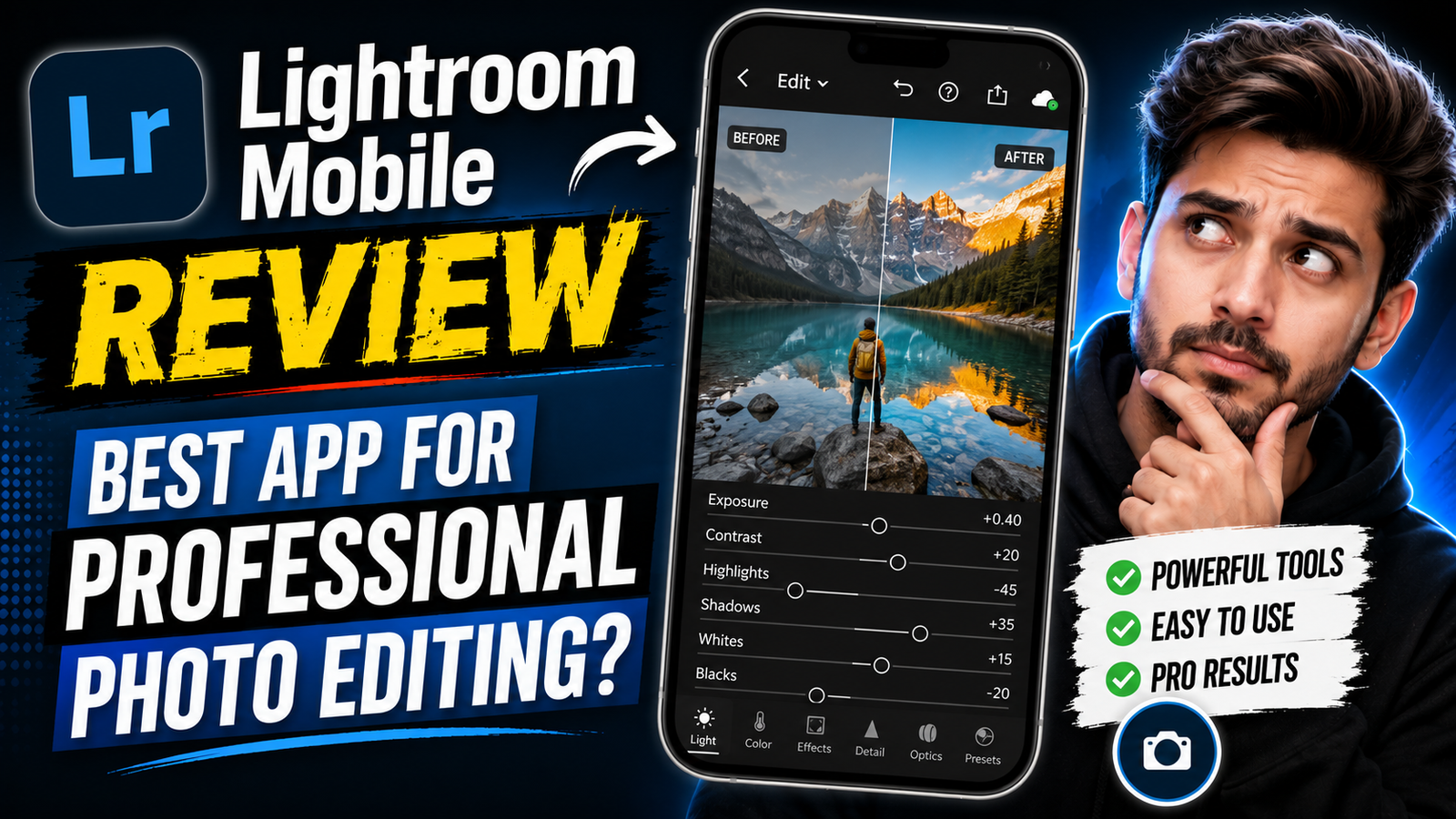
Look, Lightroom Mobile suddenly became extremely popular again because aesthetic editing culture changed a lot recently. Earlier people only wanted simple beauty filters. Now creators want cinematic color grading, moody shadows, golden lighting, DSLR blur effects, and professional-looking photos directly from mobile.
Honestly speaking, I kept seeing Lightroom preset tutorials everywhere on YouTube Shorts recently. Even normal selfie editors are now talking about warm tones, matte effects, skin texture, and cinematic mood.
Google searches are full of this currently because many users want their photos to look expensive without buying a DSLR camera.
The funny thing is, some creators use only mobile phones but still create photos that genuinely look professional after Lightroom editing.
What Is Lightroom Mobile Photo Editing App
Adobe Lightroom Mobile is mainly a professional editing app focused on color grading and detailed photo adjustments.
Most users use it for:
- Cinematic editing
- DSLR-style color grading
- Professional presets
- Portrait enhancement
- RAW image editing
- Travel photography
- Instagram aesthetic feeds
One thing I personally noticed is that Lightroom edits feel more realistic compared to many AI beauty apps.
Instead of making faces look fake, Lightroom improves:
- Lighting
- Shadows
- Skin tones
- Color balance
- Sharpness
- Mood
And honestly, that realistic feel is why creators love it.
Why Lightroom Mobile Is Trending Again in 2026
As far as I have seen, social media aesthetics changed heavily now.
People no longer like overly filtered photos all the time. Many creators now prefer cinematic and realistic edits with:
- Moody colors
- Warm sunlight
- Soft skin glow
- Dark cinematic shadows
- Korean-style tones
- Golden hour vibes
Lightroom handles these styles beautifully honestly.
Another reason is preset culture. Many YouTubers and creators now sell Lightroom presets online. So beginners can apply professional color grading in one click.
People are literally trying this everywhere now because Reels and Shorts became very visual recently. Clean color grading matters a lot for engagement.
One weird thing I noticed is that even gaming creators now use Lightroom for thumbnails and profile pictures.
Pros and Cons of Lightroom Mobile Editing
Pros of Lightroom Mobile
Honestly, the color control feels amazing.
Good things:
- Professional editing tools
- High-quality exports
- Beautiful cinematic presets
- Realistic skin tones
- RAW image support
- Powerful lighting controls
- DSLR-style editing results
The soft cinematic mood Lightroom creates honestly looks beautiful at night photography and travel shots.
Cons of Lightroom Mobile
But beginners may struggle initially.
Problems include:
- Premium features locked
- Learning curve feels difficult
- Heavy battery usage
- RAW editing can lag phones
- Export takes time sometimes
- Older devices heat quickly
Low-end phones may lag badly during editing honestly.
And look, some users become confused by too many adjustment options.
How To Edit Professional Photos Using Lightroom Mobile
Upload a high-quality image first. Good lighting matters a lot here.
Then:
- Adjust exposure
- Reduce highlights carefully
- Add contrast slowly
- Use cinematic presets
- Adjust skin tones
- Add warm color grading
- Sharpen slightly
- Export in HD
Blurry photos usually fail badly after editing. Lightroom cannot fully save poor-quality images.
Many creators combine Lightroom with Snapseed or PicsArt for extra effects and overlays.
One thing I noticed personally is that over-editing ruins photos quickly. Keeping colors natural works best mostly.
Final Words On Lightroom Mobile Review
Honestly speaking, Lightroom Mobile still feels one of the best editing apps for creators who genuinely care about visual quality.
It is not the easiest app for beginners, and yes, some premium limitations can feel annoying. But once you understand lighting and color grading properly, the results look seriously impressive.
That cinematic mood, realistic skin texture, golden light feel, and professional aesthetic still make Lightroom stand out strongly in 2026.
FAQs About Lightroom Mobile Review
Is Lightroom Mobile free?
Basic features are free mostly, but premium tools need subscription.
Can beginners use Lightroom?
Yes, but learning takes some time honestly.
Why do creators prefer Lightroom?
Mainly because color grading looks professional.
Does Lightroom reduce quality?
No, export quality stays very sharp mostly.
Are Lightroom presets worth using?
Yes honestly, presets save lots of editing time.