These days, CapCut is everywhere. If you scroll TikTok, Instagram Reels, or YouTube Shorts, you’ll notice one thing… almost every viral video has some kind of CapCut filter or effect on it.
And honestly, 2026 is looking even crazier for editing trends. New filters are smoother, more cinematic, and a bit more “real life but better” type feel. I’ve seen that even normal clips shot on a phone can look like movie scenes now. Kind of wild, right?
But yeah, not every effect works the same for everyone. Sometimes it looks amazing, sometimes it feels a bit off… and that’s okay. That’s just how editing works.
Let’s break down what’s actually trending in CapCut right now and how people are using it in a simple way.
What is trending in CapCut right now?
So basically, CapCut is full of new filters and effects that people are using for short videos. These are not just random filters. They are designed to make videos look:
- more cinematic
- more smooth
- more aesthetic
- sometimes even “dreamy” or emotional
In 2026, the focus is more on natural-looking edits instead of heavy effects. Like, not too fake, not too overdone.
Many people try these filters just for fun, but some creators are actually growing fast because of them.
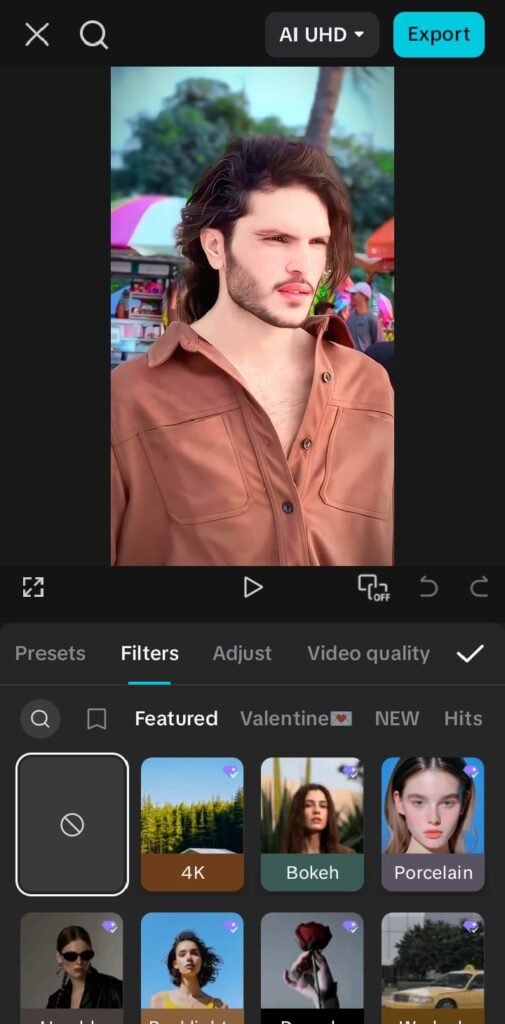
Popular CapCut Filters & Effects in 2026
Here are some styles that are trending a lot:
1. Cinematic Blur Effect
This one is super popular. It adds soft background blur and makes the subject stand out more.
It feels like DSLR camera shots, even if you just used your phone.
I have seen a lot of travel videos using this. Even simple walking clips look very professional.
2. Retro Film Look
This effect gives old-school vibes. A little grain, soft colors, and slightly warm tone.
People use it for:
- memories
- friendship videos
- aesthetic edits
It’s not perfect every time, but that’s kind of the charm.
3. Smooth Slow Motion 2.0
Not the old slow motion… this one is smoother and more natural.
Sometimes normal slow motion looks shaky, but this new version is cleaner. Perfect for:
- dance clips
- action shots
- emotional scenes
4. Glow & Light Leak Effects
This one is very trendy in 2026 edits.
It adds soft glowing lights or light leaks in corners. It makes videos feel dreamy and a bit romantic.
Many people use it for couple edits or sunset clips.
5. AI Auto Enhancer Filter
This is kind of a new thing. CapCut automatically adjusts brightness, sharpness, and colors.
Honestly, sometimes it works really well… and sometimes it overdoes it a bit. But still, beginners love it because it saves time.
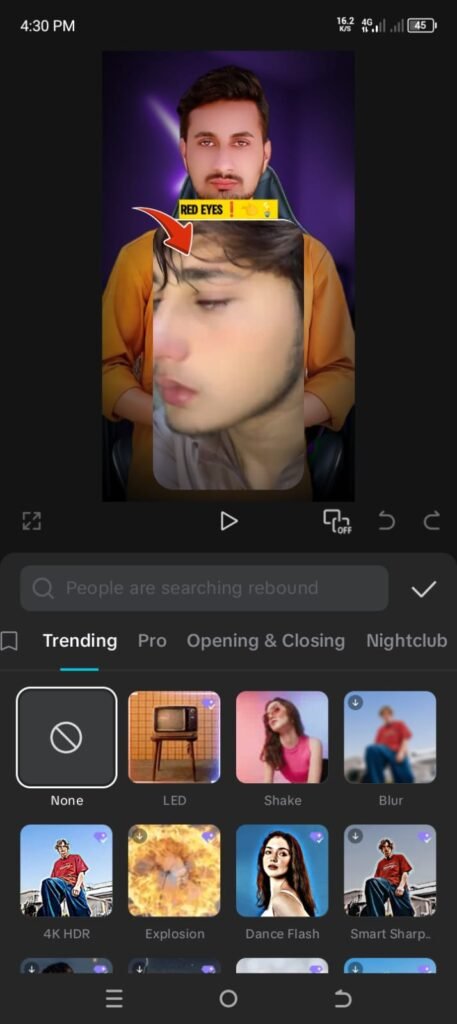
How to use CapCut filters (simple steps)
If you are new, don’t worry. It’s actually very easy.
Step 1: Open CapCut
Install the app and open it. Nothing complicated here.
Step 2: Import your video
Select the video you want to edit. Could be anything—selfie, travel, or random clip.
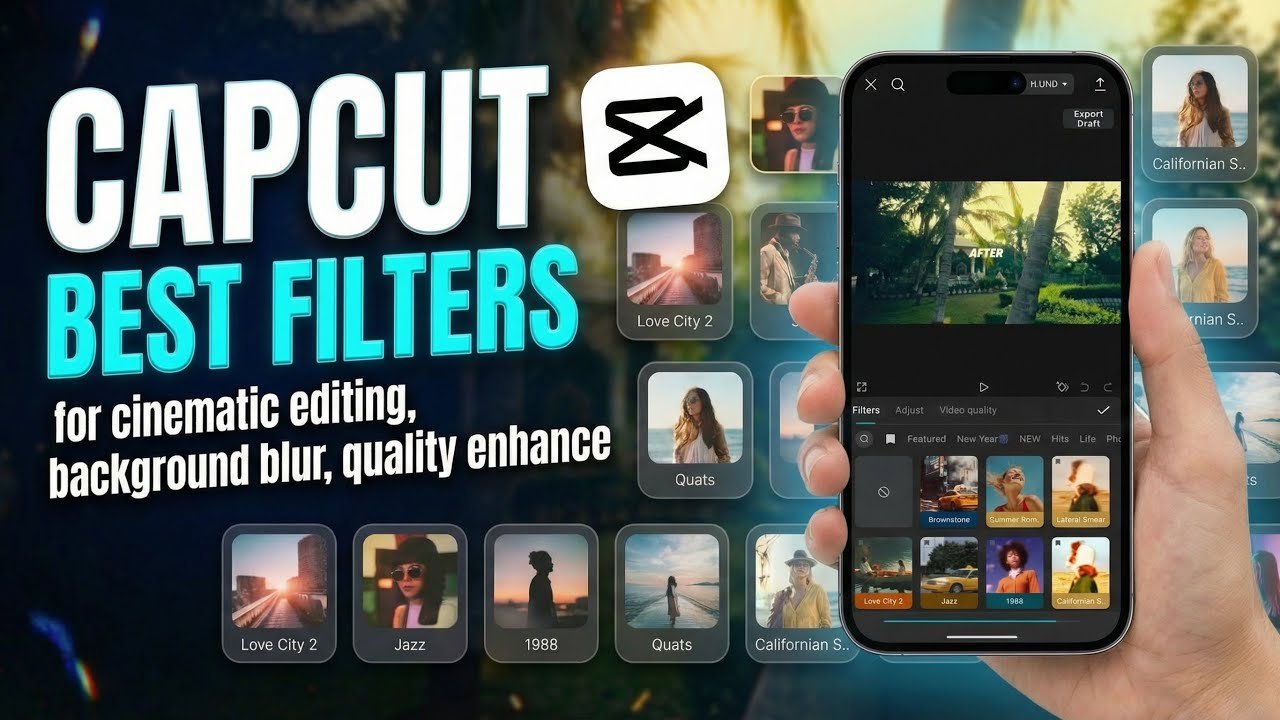
Step 3: Go to Effects or Filters
You will see options like:
- Effects
- Filters
- AI tools
Just tap one.
Step 4: Try different styles
Don’t stick to just one filter. Try 2–3 and see which looks better. Sometimes the second try is way better than the first.
Step 5: Adjust intensity
Most effects have strength settings. Keep it balanced. Too much effect can ruin the natural feel.
Step 6: Export video
Once it looks good, just save it and you’re done.
Real-life tips (very important)
Let’s be honest… not every trending effect will suit your video.
Here are a few things I’ve noticed:
- Bright videos look better with soft filters
- Dark videos need less editing, not more
- Slow motion works best with stable clips
- Too many effects can make video messy
Sometimes people think more effects = better video. But actually, simple edits often look more professional.
Also, don’t worry if your first edit looks bad. Everyone starts like that.
Common mistakes people make
A lot of beginners do these things:
- Using too many filters at once
- Making colors too bright
- Overusing glow effects
- Not matching music with video mood
I’ve seen edits where the filter is good, but music doesn’t match… and it just feels wrong. So yeah, small details matter.
Why CapCut trends are so popular in 2026
There’s a simple reason.
People want quick, good-looking videos without learning complicated editing software. CapCut gives that.
Also:
- It’s free
- It’s fast
- It has ready-made styles
- Anyone can use it
Even someone with zero editing experience can create something viral.
And that’s kind of the beauty of it.perimenting with different filters and effects in CapCut. With practice and creativity, you can turn simple clips into amazing videos that attract more viewers.
Final thoughts (just casually)
CapCut filters in 2026 are more about natural beauty and soft editing. Not too flashy, not too heavy. Just simple and clean vibes.
If you experiment a little, you’ll start noticing what works for your style. And yeah, sometimes it won’t look perfect… but that’s normal.
Just keep trying different effects and you’ll slowly get better at it.
FAQs
1. Which CapCut filter is best for beginners?
Cinematic blur and AI auto enhancer are best for beginners because they are easy and look good instantly.
2. Do CapCut effects work on all videos?
Not always. Some effects look better on bright videos, others on dark or aesthetic clips.
3. Can I go viral using CapCut edits?
Yes, many people go viral just by using trending effects with good music and simple clips.