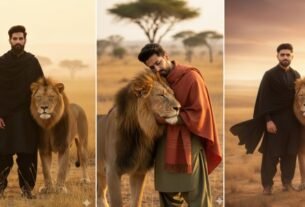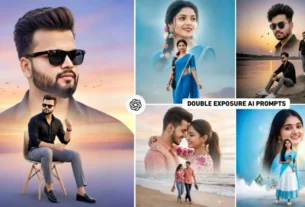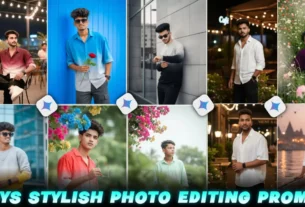
Ramzan is a very special time. The vibe feels different, right? Lights, prayers, family time, and those peaceful nights. And now, people are also sharing beautiful AI images to say Ramzan Mubarak in a creative way.
I have seen that simple text wishes are slowly getting replaced by AI-generated images. They look more attractive, more personal, and honestly… more fun to create.
If you want to try this trend using Google Gemini, you’re in the right place.
What Are Google Gemini Ramzan AI Image Prompts?
Okay, so let’s keep it simple.
A prompt is just a line or sentence you write to tell AI what kind of image you want. Google Gemini understands your words and creates an image based on that.
For Ramzan, people usually create images like:
- Mosques with glowing lights
- Crescent moon and stars
- Lanterns (fanous)
- People praying or making dua
- Peaceful night scenes
You just describe it in words, and boom… AI turns it into an image.
Google Gemini Ramzan Mubarak 2026
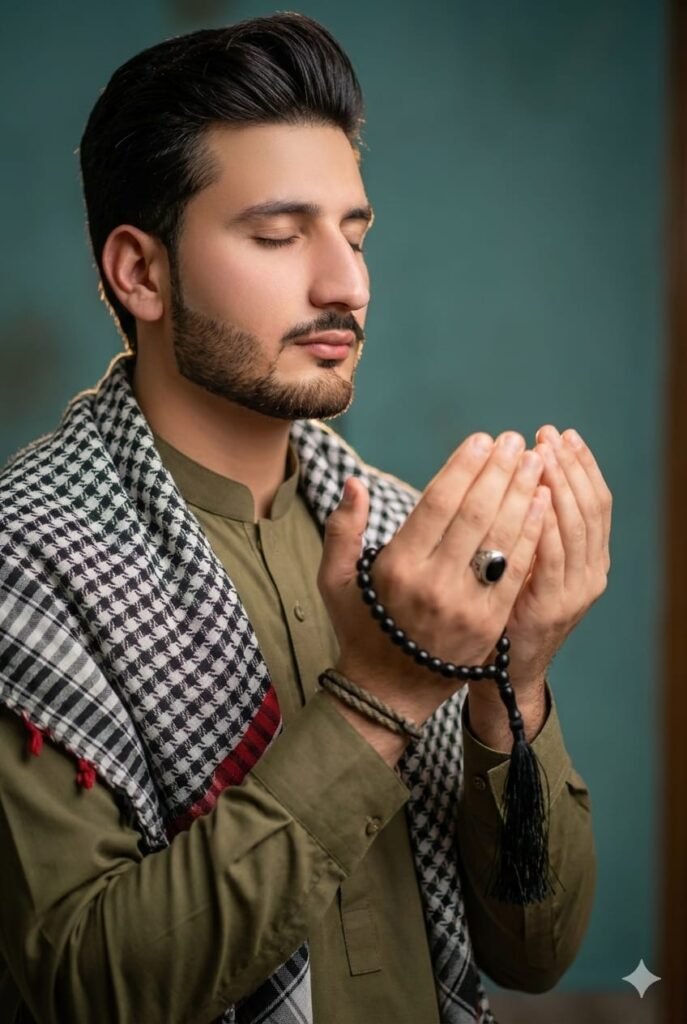
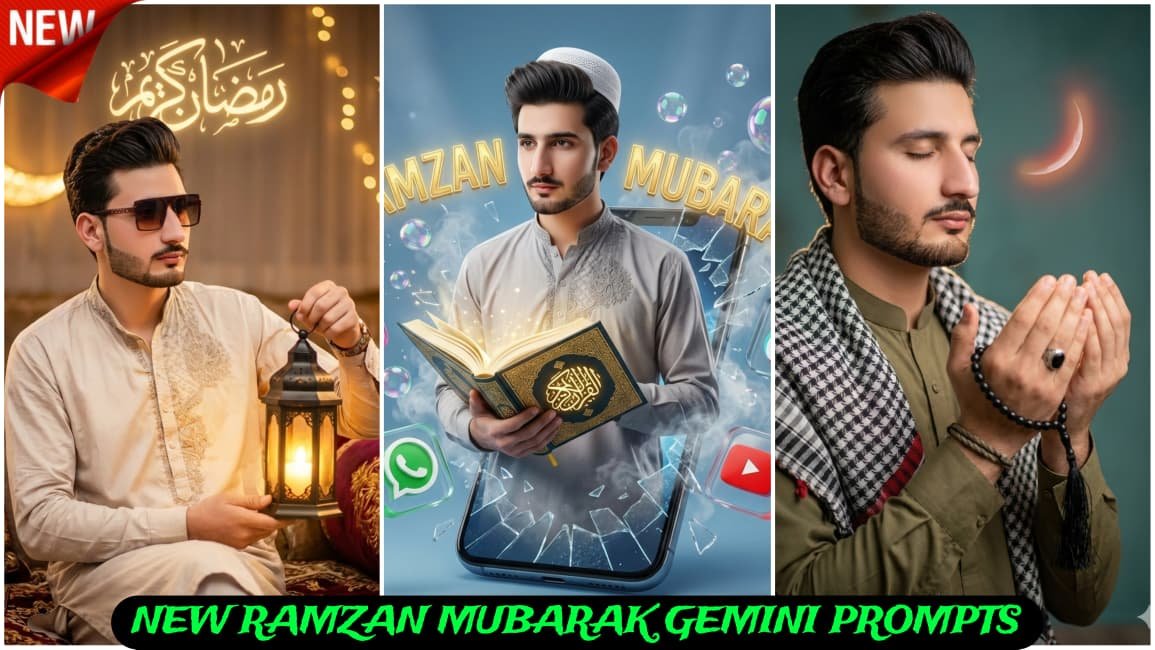
Cinematic vertical portrait of a young Middle Eastern man exact same face, in traditional attire, eyes closed in prayer, hands raised and cupped holding a black prayer bead tasbih with long tassel, silver ring on finger, braided cord bracelet on wrist; wearing olive-green thobe and a black-and-white keffiyeh scarf with a subtle red accent; shallow depth of field with a warm teal desaturated background; soft rim light highlighting beard and jawline. 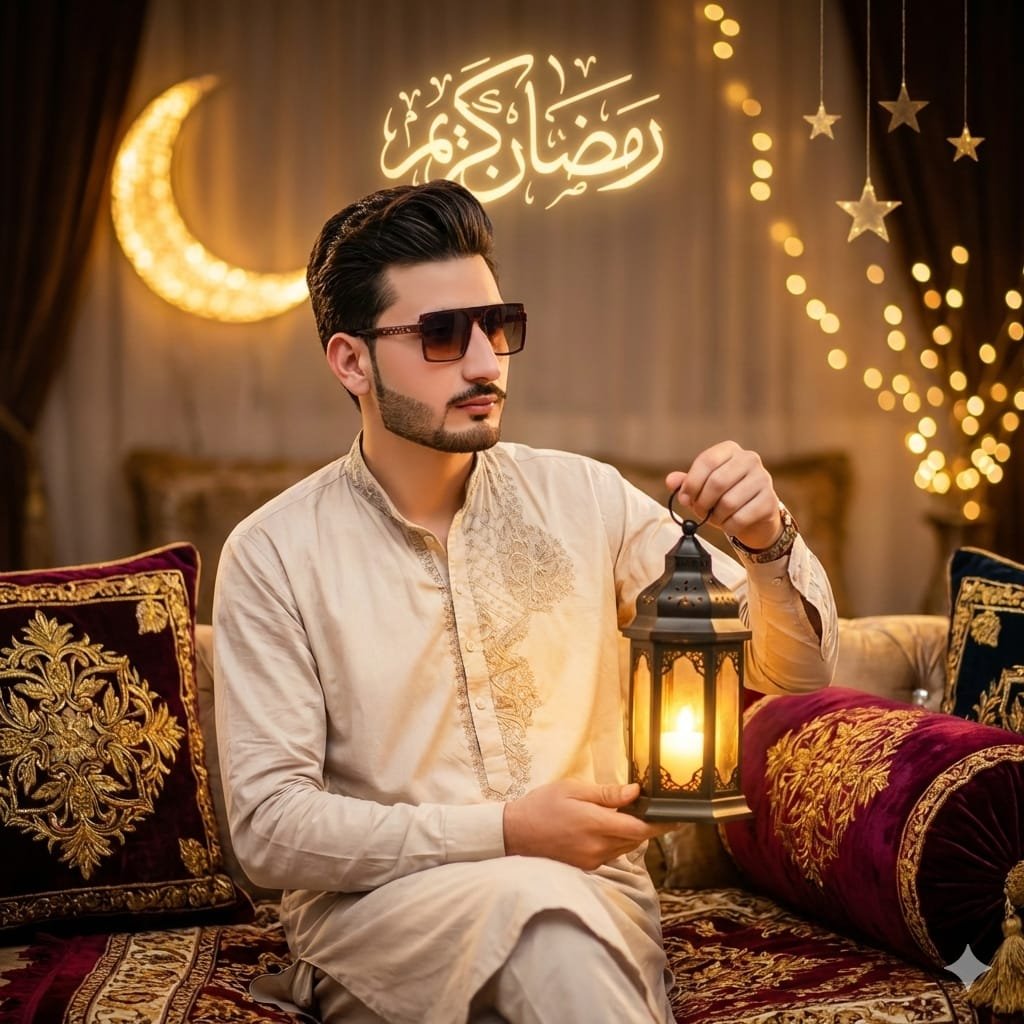
Ultra-realistic ultra-luxury cinematic Ramadan portrait, SAME PERSON FACE LOCK, ABSOLUTE 100% IDENTITY MATCH with zero deviation(exact identical male facial features: face shape, bone structure, jawline, cheekbones, forehead, eye shape and spacing, eye color, eyebrows thickness and curve, nose size and angle, lips shape, skin tone, pores, natural skin texture, identical facial expression),young Middle Eastern man replacing the woman, seated in a more luxurious royal Ramadan majlis setting,premium velvet and silk patterned floor seating with golden embroidery, elevated elegant posture,wearing an ultra-high-end sugar-cream colored luxury thobe made from couture fabric with an ornate embroidered collar and refined Ramadan motifs, exclusive luxury brand aesthetic, holding the same black metal lantern with warm glowing candle, identical composition and camera angle,rich golden ambient lighting, illuminated decorative crescent moon behind him,glowing Arabic calligraphy text "رمضان كريم" soft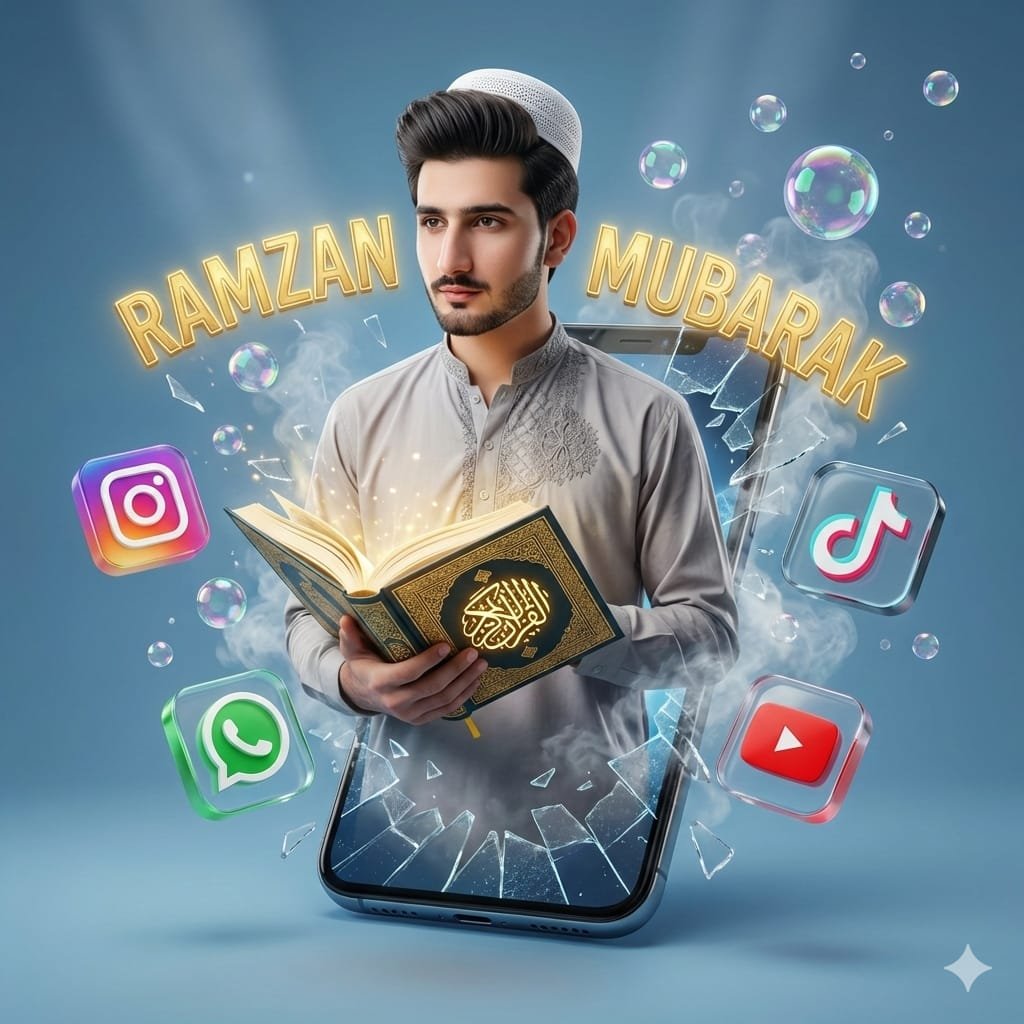
A high-quality digital illustration of a stylish young boy with a modern haircut, wearingashalwar kameez, emerging out of a shattered smartphone screen. He is calmly holding an open Quran with golden Arabic calligraphy. Surrounding him are 3D floating social media icons (Instagram, WhatsApp, Tik Tok, YouTube) and crystal bubbles that seem to be flying away. Cinematic lighting, soft blue background, realistic smoke effects, and extreme depth of field. 8k resolution, vibrant colors, trending artistic style."Signature (Asim Blogger) At top left corner.Yahi prompt me ramzan mubarak text do Same face,Sarpe topi do,No cartoon keep original face and hairstyle 100% referenceWhy People Love These Prompts
Many people try this because it’s easy and gives fast results. You don’t need editing apps or skills.
I have seen beginners making really nice images on their first try. But yeah, sometimes it doesn’t work perfectly, and that’s okay. You just tweak your prompt and try again.
Some reasons why this trend is growing:
- No design skills needed
- Looks unique and fresh
- Perfect for WhatsApp, Instagram, and status
- Saves time
How to Use Google Gemini for Ramzan AI Images
Let me explain it like I would to a friend.
Step 1: Open Google Gemini
Go to Gemini and sign in.
Step 2: Write Your Prompt
This is the main part. Just type what you want to see.
For example:
“Beautiful mosque at night, glowing lights, crescent moon in sky, Ramzan Mubarak text, peaceful atmosphere”
Step 3: Be a Bit Detailed
If your result looks too simple, add more detail.
Like:
- soft golden light
- stars in sky
- realistic style
- HD quality
Step 4: Generate Image
Wait a few seconds. The AI will create your image.
Step 5: Try Again if Needed
Honestly, first result is not always perfect. I usually try 2–3 times.
Best Ramzan Mubarak AI Prompts (Try These)
Here are some ready prompts you can copy and use:
1. Classic Ramzan Night
“Ramzan Mubarak Islamic scene, big mosque with lights, crescent moon and stars, night sky, peaceful vibe, soft glow, high quality”
2. Lantern Style Image
“Ramzan Mubarak greeting image with glowing lanterns, dark background, warm golden light, Islamic design, elegant look”
3. Minimal Clean Design
“Simple Ramzan Mubarak text, crescent moon icon, clean white background, soft shadows, modern style”
4. Dua and Prayer Scene
“Muslim person praying at night, mosque in background, moonlight, emotional and peaceful scene, Ramzan Mubarak theme”
5. Cartoon Style Prompt
“Cute cartoon style Ramzan Mubarak image, mosque, moon, stars, colorful and bright, friendly design”
You can also mix ideas. Sometimes I combine two prompts and get better results.
Tips That Actually Help (From Experience)
I’m not going to give boring tips. Just real things that help.
1. Don’t Write Too Short
If you just write “Ramzan Mubarak image”, the result will be very basic.
2. Add Mood Words
Words like:
- peaceful
- glowing
- spiritual
- soft light
These really change the output.
3. Try Different Styles
Sometimes realistic looks good. Sometimes cartoon or 3D looks better.
4. Keep Trying
Many people try once and stop. That’s the mistake.
I have seen that the best images come after 3–4 tries.
5. Use Good Timing
During Ramzan, trends change fast. Try making images with new ideas.
Small Mistakes to Avoid
Let me be honest here.
- Don’t copy random prompts without understanding
- Don’t overload with too many words
- Don’t expect perfect results every time
Sometimes the AI gives weird results. It happens. Just fix your prompt.
Where You Can Use These Images
Once your image is ready, you can use it anywhere:
- WhatsApp status
- Instagram posts
- Facebook stories
- YouTube thumbnails
- Greeting messages
People love sending unique Ramzan wishes. Your image will stand out.
FAQs
1. Is Google Gemini free for creating AI images?
Yes, many features are free, but some advanced options may need updates or limits.
2. Why is my image not looking good?
Most of the time, the prompt is too simple. Add more detail and try again.
3. Can I use these images for social media?
Yes, you can easily use them for posts, stories, and greetings.eate?
Some AI tools offer free image generation, while advanced features may require a paid plan.